
Intel Celeron G5900
4.5Editor score
Dual core design
LGA1200 socket
Integrated graphics
This guide compares the best cheap CPU options for gaming and productivity in October 2026 to help you find affordable performance.
Finding a cheap CPU does not mean sacrificing essential performance for everyday tasks or budget gaming. Modern processors offer incredible value with multiple cores and threads at accessible price points.
We evaluated ten distinct models based on core count, clock speeds, platform compatibility, and user feedback. This list covers both new and renewed options across Intel and AMD platforms.
Each pick highlights specific strengths like gaming frames, multitasking capability, or energy efficiency. Please note that market prices fluctuate frequently so verify current deals before purchasing.
4.5Editor score
4.7Editor score

4.8Editor score
The following table provides a side-by-side view of specifications for all ten processors listed in this guide to help you compare core counts cache sizes and socket types quickly.




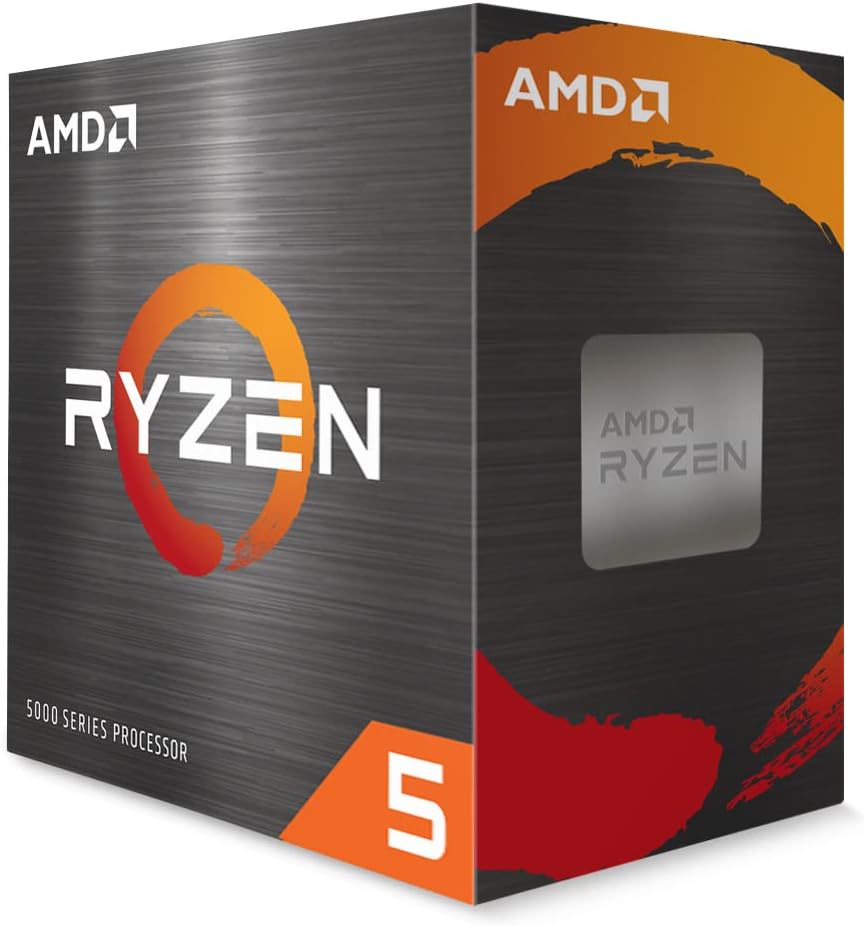
The AMD Ryzen 5 5500 stands out as a top contender for budget builders needing serious performance. With a 4.7 rating, it delivers smooth gameplay and efficient multitasking thanks to its six cores and twelve threads.
We may earn a commission when you buy through this link, at no additional cost to you.
Its architecture supports up to 4.2 GHz boost speeds which helps modern games run at high frame rates. The included Wraith Stealth cooler keeps temperatures manageable without requiring an immediate aftermarket upgrade.
While it relies on a discrete graphics card and DDR4 memory, these tradeoffs are standard for this price tier. The unlocked multiplier offers room for enthusiasts to push speeds further if their cooling allows.
This processor is ideal for gamers and productivity users who want a reliable AM4 platform upgrade path. It balances cost and capability better than most alternatives in this segment.
Twelve threads allow you to run background apps while gaming or streaming without noticeable slowdowns.
You can upgrade this CPU on many existing B450 or X570 motherboards with a simple BIOS update.
We may earn a commission when you buy through this link, at no additional cost to you.
The Intel Celeron G5900 is a functional choice for basic computing needs or office PCs. Rated at 4.5 stars, it handles web browsing and document editing efficiently without breaking the bank.
We may earn a commission when you buy through this link, at no additional cost to you.
It uses the LGA1200 socket which pairs well with affordable 400 series chipsets. The dual core setup is sufficient for single task workloads but may struggle with heavy multitasking.
Power efficiency is a strong point here allowing quiet operation without demanding high wattage power supplies. It also supports Intel Optane Memory for faster system responsiveness if you have a smaller drive.
Choose this CPU for entry level builds or media centers where budget constraints are the primary concern. It provides a stable foundation for light users who do not need high clock speeds.
Stable clock speeds ensure consistent performance for spreadsheets and presentations throughout the workday.
Low thermal design power keeps electricity bills low and reduces the need for active cooling.
We may earn a commission when you buy through this link, at no additional cost to you.
The AMD Ryzen 5 9600X represents the latest in affordable high-performance computing with Zen 5 architecture. It boasts a 4.8 rating for delivering over 100 FPS in popular games with smooth responsiveness.
We may earn a commission when you buy through this link, at no additional cost to you.
With a 5.4 GHz max boost and support for DDR5 memory, this processor is ready for future software demands. The AM5 platform ensures long term viability for upgrades over the next few years.
Although it lacks an included cooler, the unlocked nature allows for extensive tuning by enthusiasts. The high cache count helps data access speeds which benefits both gaming and content creation.
This is the best pick for users willing to invest slightly more for long term performance. It bridges the gap between budget pricing and premium speed effectively.
Zen 5 design improves IPC allowing more work per clock cycle than previous generations.
DDR5 support allows for faster data throughput which reduces bottlenecks in demanding tasks.
We may earn a commission when you buy through this link, at no additional cost to you.
The Intel Pentium Gold G5600F is a straightforward processor designed for users with modest computing requirements. It holds a perfect 5-star rating from users who appreciate its reliability for basic operations.
We may earn a commission when you buy through this link, at no additional cost to you.
Operating at 3.90 GHz with a quad thread equivalent capability in some workloads, it provides consistent performance for web browsing and office work. The small footprint makes it suitable for compact builds.
Note that this model lacks integrated graphics so a dedicated GPU is mandatory. However for systems where a GPU is already planned, this CPU offers a very cost-effective entry point into Intel desktop platforms.
Ideal for budget home PCs or kiosks where reliability and low cost matter most. It avoids unnecessary features to keep the price accessible for everyone.
Consistent clock speeds ensure applications load predictably without thermal throttling under light loads.
The box design fits easily into small form factor cases without requiring large cooling solutions.
We may earn a commission when you buy through this link, at no additional cost to you.
The AMD Athlon 200GE is unique because it includes Radeon Vega graphics without needing a separate card. Rated at 4.4, it serves well for media streaming and light productivity tasks.
We may earn a commission when you buy through this link, at no additional cost to you.
Its four processing threads allow for smoother multitasking compared to dual thread alternatives. The platform is fully compatible with AM4 motherboards which can be upgraded later to Ryzen for more power.
While gaming performance is limited to older titles or lower settings, the included GPU saves money on initial hardware. The near silent cooler ensures the system remains quiet during operation.
This processor is best for living room PCs or budget laptops where a discrete GPU is not feasible. It balances integrated visuals with basic computing needs efficiently.
Vega graphics enable 4K video playback and casual gaming without extra hardware costs.
The stock cooler is designed to minimize noise making it suitable for quiet home environments.
We may earn a commission when you buy through this link, at no additional cost to you.
The Intel Celeron G3930 is a 7th generation processor that continues to serve basic computing roles effectively. It has a 4.6 rating from users who find it dependable for web browsing and simple apps.
We may earn a commission when you buy through this link, at no additional cost to you.
Supporting Intel HD Graphics 610, it can handle video playback without external graphics. The LGA 1151 socket allows it to fit in a wide range of existing or used motherboards.
It excludes Intel Octane Technology support which limits some storage speed improvements but keeps the design simple. Its dual core nature is not ideal for heavy software but works for everyday office tasks.
Consider this for secondary computers or kiosks where budget is the primary constraint. It provides stable connectivity and basic compute power without unnecessary complexity.
Works with many older motherboards which makes it useful for repairs or reuse of parts.
Integrated graphics support standard display outputs for monitors without needing a GPU.
We may earn a commission when you buy through this link, at no additional cost to you.
The Intel Core i5-6500 is a renewed quad-core option that offers a solid middle ground for budget gamers. With a 4.2 rating, it provides reliable performance for older titles and general computing.
We may earn a commission when you buy through this link, at no additional cost to you.
It supports both DDR4 and DDR3L memory which gives flexibility when choosing compatible motherboards. Turbo Boost Technology allows clock speeds to increase dynamically when tasks demand extra processing power.
As a renewed product, it comes at a lower cost while retaining core functionality. Ensure your motherboard supports this CPU before ordering as socket compatibility varies within the 1151 family.
Ideal for builders who want four cores without paying premium prices for newer models. It remains a capable processor for casual gaming and home office environments.
Support for multiple RAM types helps you reuse existing memory modules from older systems.
Dynamic frequency increases ensure better performance during short bursts of heavy usage.
We may earn a commission when you buy through this link, at no additional cost to you.
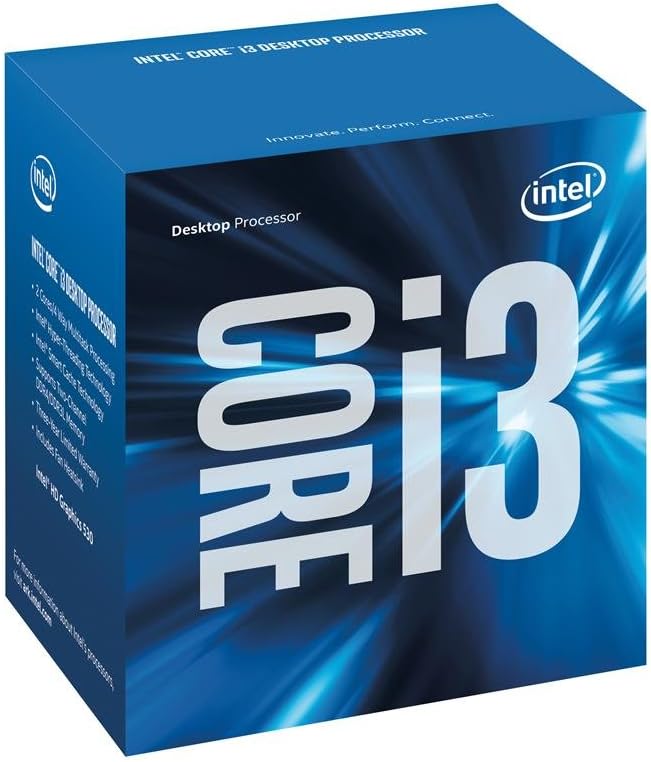
The Intel Core i3-6100 provides consistent performance for standard office and home tasks. Its 4.6 rating reflects satisfaction with its stability and ability to handle multitasking via Hyper-Threading.
We may earn a commission when you buy through this link, at no additional cost to you.
Running at 3.7 GHz with integrated security features like Secure Key, it ensures safe computing without significant power drain. The dual core setup is sufficient for most users who do not run heavy workloads.
This model is often found in refurbished bundles which can reduce costs further. It is an excellent choice for budget builds that prioritize reliability over raw speed.
Select this for lightweight systems where cost efficiency and low power are key. It delivers predictable performance for web browsing and document processing.
Secure Key technology helps protect your data with hardware level encryption support.
Allows two threads per core to improve throughput for basic multitasking scenarios.
We may earn a commission when you buy through this link, at no additional cost to you.
The Intel Core i7-7700 is a renewed option that brings strong single-threaded performance to budget builds. With a 4.7 rating, it remains relevant for users who rely on clock speed over core count.
We may earn a commission when you buy through this link, at no additional cost to you.
It reaches 4.20 GHz with eight threads which helps in scenarios like video rendering or older gaming titles. Support for Intel Optane Memory adds value for users wanting faster storage access.
The compatibility with 100 and 200 series chipsets means it fits many older boards. While it lacks modern core counts, its raw speed is competitive in the renewed market.
Best for users upgrading older 1151 systems without changing their motherboard. It offers a significant performance jump over lower tier CPUs of that generation.
Intel Optane support allows pairing small high-speed drives with larger HDDs for better access.
High max frequency ensures responsive performance in applications that rely on single core speed.
We may earn a commission when you buy through this link, at no additional cost to you.
The Intel Core i7-8700 brings six physical cores to budget builders seeking better multitasking. It holds a 4.2 rating and is suitable for users needing more than four threads for productivity.
We may earn a commission when you buy through this link, at no additional cost to you.
With 12MB of cache and hyper threading, it handles complex workloads like video editing well. Max turbo reaches 4.60 GHz which helps in single thread tasks as well.
Note that this CPU works only with 300 series chipsets which may limit motherboard choices. The renewed pricing makes these advanced specs accessible without a premium cost.
Ideal for creators on a budget who need extra cores for rendering or coding. It balances high core count with reasonable power consumption.
Six physical cores allow for smoother operation in multi-threaded applications.
12MB cache ensures quick access to frequently used data reducing latency.
We may earn a commission when you buy through this link, at no additional cost to you.
Selecting the right processor involves balancing core count, socket compatibility, and features to match your specific needs without overspending.
Cores determine how many tasks a CPU can handle simultaneously while threads allow a single core to manage multiple operations. For budget gaming, four to six cores are sufficient but productivity work benefits from eight or more.
Prioritize higher thread counts if you plan to multitask heavily or stream while gaming.
The CPU socket type must match your motherboard. AMD uses AM4 or AM5 while Intel uses LGA1200 or LGA1151. Check your current board before buying to avoid needing a new motherboard.
AM5 offers the best future proofing as it supports the latest DDR5 memory standards.
Some CPUs include graphics capable enough for basic display output which saves money on a GPU. If you do not have a dedicated card, ensure the CPU has integrated graphics labeled iGPU.
Most gaming focused CPUs lack graphics so verify you have a GPU if not stated otherwise.
TDP measures the heat a CPU generates which dictates how powerful your cooling needs to be. Lower TDP units run cooler and quieter which helps in small cases or noise sensitive environments.
Check if a stock cooler is included or if you need to budget for an aftermarket solution.
CPUs differ in supported RAM types such as DDR4 or DDR5. Newer platforms like AM5 require DDR5 which can increase total system cost. Older AM4 or LGA1151 boards support affordable DDR4.
Choose a platform with memory you already own or that fits your budget for upgrades.
Unlocked CPUs allow overclocking which boosts performance by increasing clock speeds manually. This is useful for enthusiasts but requires a compatible motherboard and cooling solution.
Locked processors are cheaper and safer for average users who want stable stock performance.
Cache is fast memory built into the CPU that stores frequently used data. Larger cache sizes generally lead to faster processing speeds and better gaming frame rates.
Look for at least 12MB cache if you prioritize speed over raw core counts.
Renewed processors are refurbished units tested to work like new often at a lower cost. They offer significant savings but may have shorter warranty periods than brand new parts.
Choose renewed for tight budgets but ensure the seller offers a return policy.
Ensure the motherboard socket pins are aligned correctly when installing the processor to prevent physical damage. Apply thermal paste evenly if the cooler does not have a pre-applied layer.
Keep airflow clear by avoiding dust build up around the heatsink fans. Use compressed air periodically to maintain cooling efficiency and prolong the lifespan.
Update your BIOS to the latest version to ensure full compatibility and stable operation. Check manufacturer websites for firmware updates regularly.
Yes, many modern cheap CPUs offer enough cores and speed for casual to mid-range gaming. You will still need a dedicated graphics card for the best results. Focus on models with higher clock speeds and at least six cores for modern titles.
Not always. If the new CPU uses the same socket type as your current board it might work. Check the manufacturer compatibility list first. For major platform jumps like AM4 to AM5 a new motherboard is required.
It depends on the socket and BIOS. AM4 boards often support newer Ryzen CPUs with updates. Intel LGA1151 sockets are limited to specific generations. Research the specific board's CPU support list before buying.
Cores are physical processing units while threads are virtual paths for data flow. Hyper-threading allows one core to handle two threads at once. More threads generally mean better multitasking performance.
Yes, reputable sellers test renewed parts to ensure functionality. They often come with warranties and can save money. Just verify the seller rating and return policy before purchasing to ensure peace of mind.
Heat depends on the model and cooling solution. Most budget CPUs have reasonable TDP but heavy tasks will generate heat. Using a quality cooler and good airflow in the case helps prevent thermal throttling.
We highlighted the AMD Ryzen 5 5500 as a top pick for its balance of cores and cost. The Ryzen 5 9600X offers future proof performance for those willing to invest slightly more.
Prioritize platform compatibility and core count when deciding on a model. A cheap CPU is only useful if it works with your current parts and handles your workload.
Prices and availability change often so check the latest deals before finalizing your purchase. Verify all specs match your needs to avoid unnecessary upgrades later.