
ASUS ProArt PA248QV
4.6Editor score
WUXGA resolution
100% sRGB coverage
Ergonomic stand
Finding the right display is critical for creative professionals who need precise color and reliable performance. The ASUS Proart Monitor series offers a wide range of options designed specifically for content creators, designers, and video editors who demand accuracy.
We have analyzed ten top models based on their technical specifications, color gamut coverage, and connectivity options. This comparison helps you understand the differences between standard IPS panels and advanced OLED or mini LED technologies available in the current market.
Each pick highlights key features like resolution, refresh rate, and ergonomic adjustments. Keep in mind that product availability and pricing can change frequently, so always verify the latest details on the manufacturer page before making your final purchase decision.
4.6Editor score
4.2Editor score
As an Amazon Associate we earn from qualifying purchases.
The following table provides a side-by-side comparison of all ten models to help you quickly identify the right specifications for your needs.




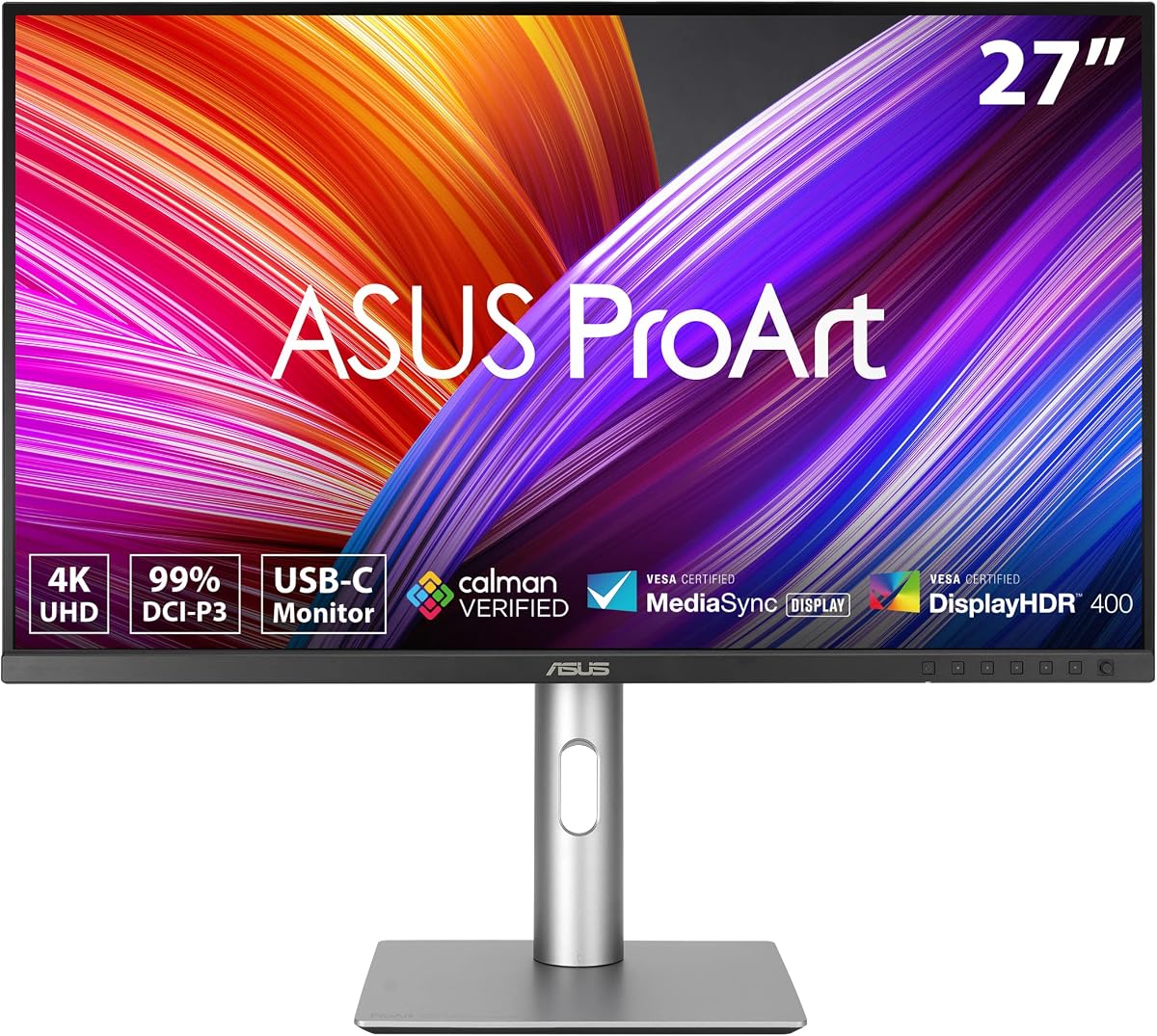
The ASUS ProArt PA279CRV is a top-tier option for professionals needing a 4K display. It boasts excellent color accuracy and strong connectivity for Mac and PC users.
We may earn a commission when you buy through this link, at no additional cost to you.
This model covers 99% of the DCI-P3 and Adobe RGB color spaces. The factory calibration ensures Delta E values remain below two for precise work.
While the stand is sturdy, the HDR capabilities are basic. This is expected for a monitor focused on color fidelity rather than high brightness contrast.
Ideal for designers and editors who need reliable color reproduction. It delivers a balanced mix of resolution and usability.
Factory calibration guarantees Delta E less than two for precision tasks.
USB-C port supports 96 watts power delivery for laptop charging.
We may earn a commission when you buy through this link, at no additional cost to you.
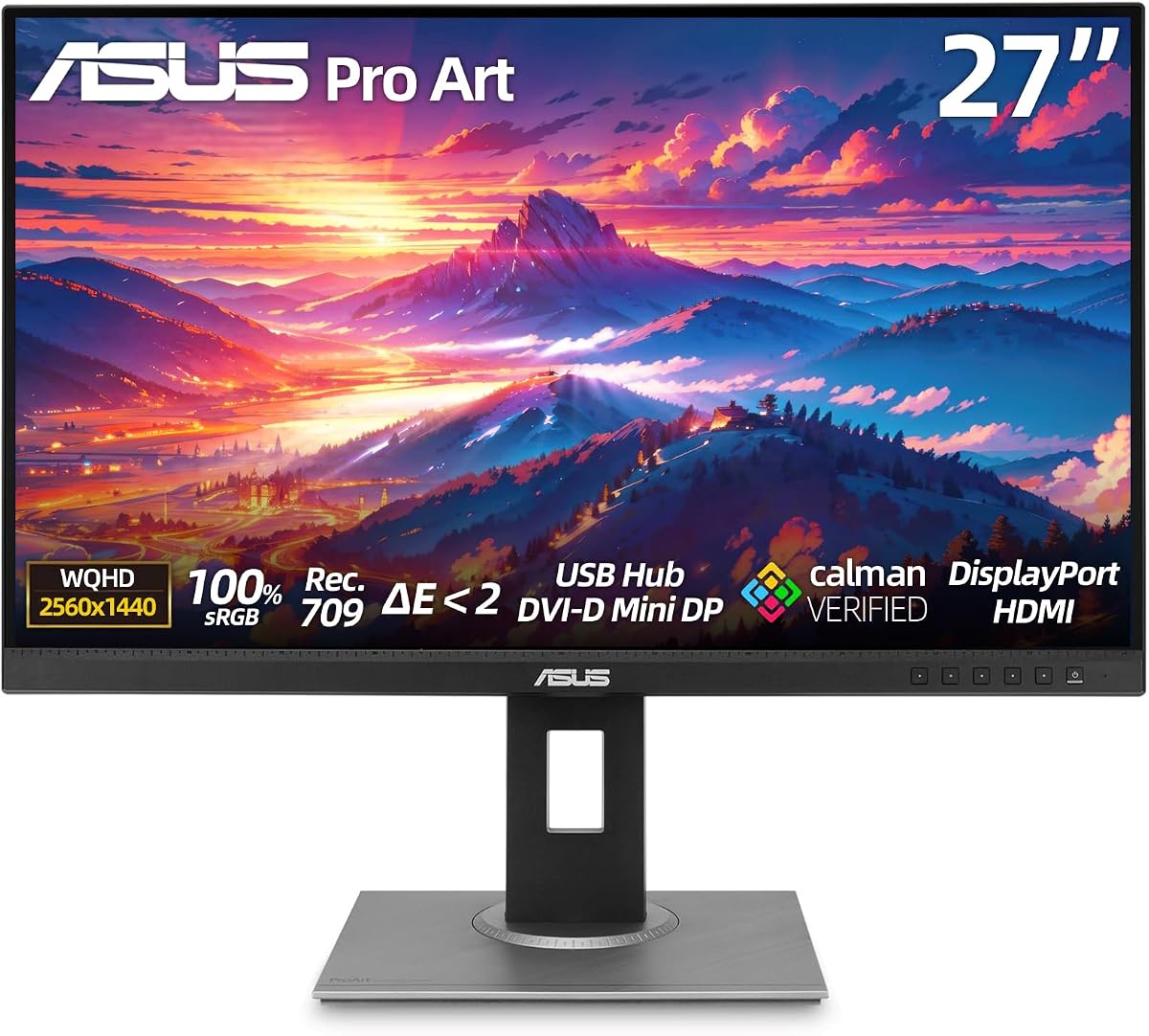
The ASUS ProArt PA248QV offers exceptional value for entry-level creatives. It provides a reliable workspace with accurate colors at a lower cost.
We may earn a commission when you buy through this link, at no additional cost to you.
It covers 100% of the sRGB color space ensuring consistent results for standard web content. The anti-glare screen reduces eye strain.
The resolution is limited to WUXGA which may not suit high-detail work. This is a trade-off for the budget-friendly pricing.
Great for students or casual designers starting out. It balances cost with professional-grade color accuracy.
Competitive price makes it accessible for beginners.
Anti-glare coating minimizes reflections in bright rooms.
We may earn a commission when you buy through this link, at no additional cost to you.
The ASUS ProArt PA32QCV stands out with its massive 6K resolution. It is built for professionals who need screen real estate for complex workflows.
We may earn a commission when you buy through this link, at no additional cost to you.
Dual Thunderbolt 4 ports allow for high-speed data transfer and daisy-chaining. The Apple color match feature ensures seamless integration with MacBooks.
The high price point makes it a significant investment. Setup requires careful cable management and compatible hardware.
Best for high-end editing stations needing multiple displays. It delivers performance that justifies the cost.
6K resolution provides incredible detail for editing.
Thunderbolt 4 ensures fast data and power connectivity.
We may earn a commission when you buy through this link, at no additional cost to you.
The ASUS ProArt PA278CV is a solid choice for those wanting QHD resolution without high costs. It offers reliable color performance for daily tasks.
We may earn a commission when you buy through this link, at no additional cost to you.
The USB-C port delivers 65 watts which charges many laptops. Daisy-chaining support allows easy connection of multiple monitors.
HDR support is limited and colors are accurate but not vivid. This model prioritizes utility over high dynamic range.
Recommended for office work and basic design. It provides a clean workspace with versatile connectivity.
USB-C reduces cable clutter on your desk.
Daisy-chaining helps expand your screen setup easily.
We may earn a commission when you buy through this link, at no additional cost to you.
The ASUS ProArt Display PA27 focuses on comfort for long sessions. It includes technologies to reduce eye strain for professionals.
We may earn a commission when you buy through this link, at no additional cost to you.
It maintains high color accuracy with 100% sRGB coverage. The fully adjustable stand supports any ergonomic needs.
Lack of USB-C might require adapters for modern laptops. This is a minor issue given the overall value.
Perfect for long editing sessions where comfort is key. It delivers a reliable and comfortable viewing experience.
Low blue light reduces strain during late nights.
Wide connectivity options support various devices.
We may earn a commission when you buy through this link, at no additional cost to you.
The ASUS PA329CRV-P is ideal for government projects requiring TAA compliance. It offers a large 4K screen with accurate colors.
We may earn a commission when you buy through this link, at no additional cost to you.
USB-C power delivery of 96 watts supports demanding laptops. The wide color gamut ensures professional results.
The price is higher than standard 4K models. HDR performance is standard rather than advanced.
Recommended for professionals needing specific compliance. It balances legal requirements with high performance.
Meets Trade Agreements Act for government procurement.
32 inch panel provides expansive workspace.
We may earn a commission when you buy through this link, at no additional cost to you.
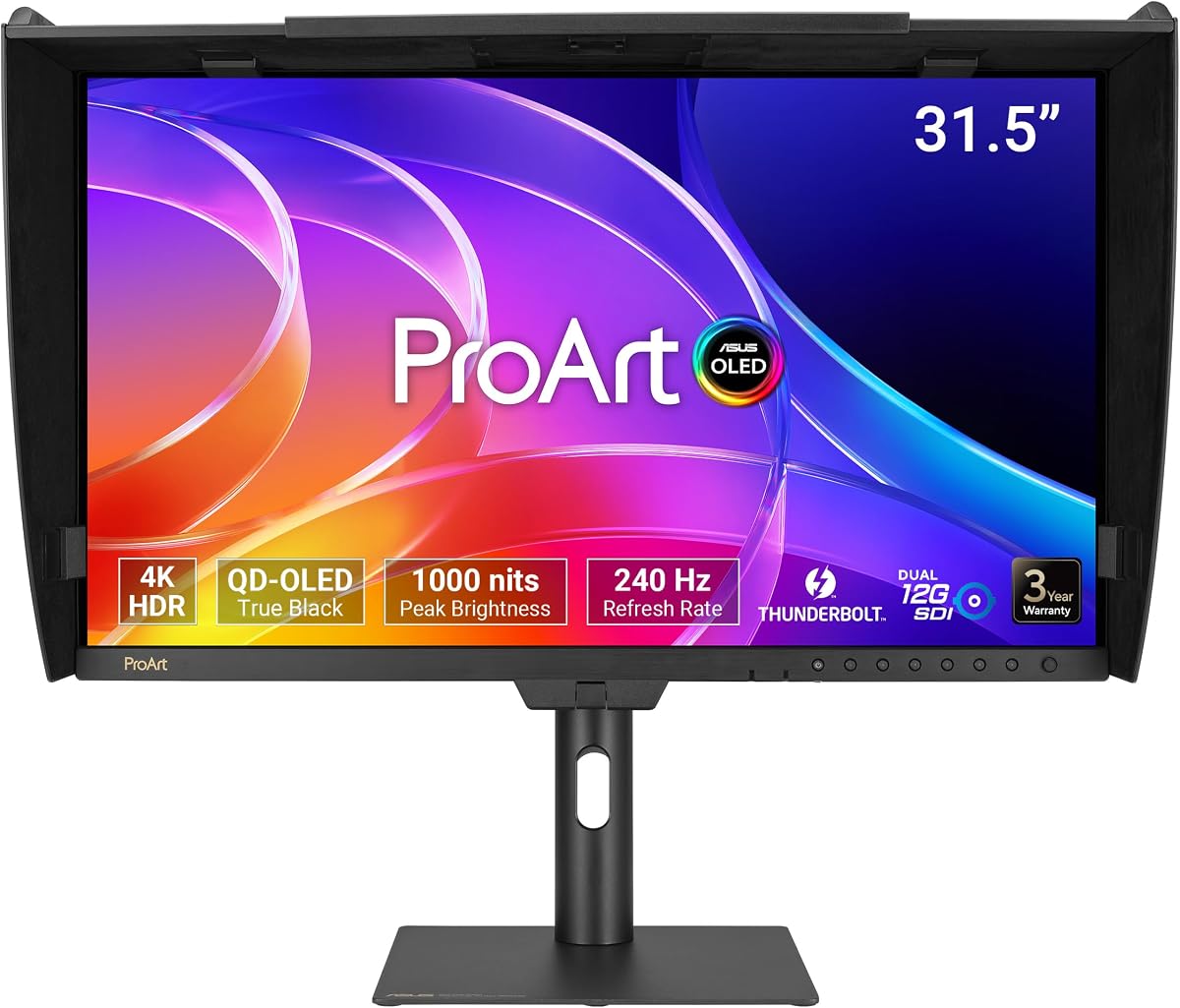
The ASUS ProArt PA32USD offers the ultimate OLED experience with deep blacks and vivid colors. It is designed for high-end video work.
We may earn a commission when you buy through this link, at no additional cost to you.
The 240Hz refresh rate ensures smooth motion for editing and playback. Dual SDI ports allow direct camera connections.
The price is exceptionally high and risk of burn-in exists. Users must manage static content carefully.
Best for colorists needing absolute contrast. It sets a new standard for professional video quality.
OLED technology delivers infinite contrast ratios.
240Hz refresh rate ensures smooth motion.
We may earn a commission when you buy through this link, at no additional cost to you.
The ASUS ProArt PA32UCR-K uses MiniLED backlight for high brightness and deep blacks. It supports wide color gamut for accurate work.
We may earn a commission when you buy through this link, at no additional cost to you.
It includes a hardware calibrator for precise tuning. The peak brightness reaches 1000 cd/m2 for HDR content.
Blooming might be visible around bright objects. The price is high but includes necessary calibration tools.
Ideal for HDR editing needing brightness. It delivers stunning results for complex visual work.
Includes X-rite calibrator for perfect color tuning.
MiniLED backlight reaches high peak brightness.
We may earn a commission when you buy through this link, at no additional cost to you.
The ASUS ProArt PA278CGV blends creative color with gaming speed. It offers high refresh rates alongside accurate color reproduction.
We may earn a commission when you buy through this link, at no additional cost to you.
USB-C delivers 90 watts allowing full laptop support. The color coverage ensures reliable results for design work.
HDR performance is standard and gaming features are limited. This makes it more suited for work than play.
Great for users wanting a versatile all-in-one. It bridges the gap between gaming and professional needs.
Balances high refresh rates with accurate colors.
USB-C 90W supports powerful laptops.
We may earn a commission when you buy through this link, at no additional cost to you.
The ASUS ProArt PA32UCG-K delivers extreme brightness for HDR content. It features local dimming for deep blacks on a 32 inch screen.
We may earn a commission when you buy through this link, at no additional cost to you.
The peak brightness reaches 1600 nits ensuring impact. Thunderbolt 3 ensures fast data transfer for large files.
The price is very high and setup is complex. This is a tool for top-tier professionals.
Best for mastering HDR workflows needing brightness. It sets a benchmark for visual fidelity.
1600 nits peak ensures stunning HDR.
120Hz supports smooth motion playback.
We may earn a commission when you buy through this link, at no additional cost to you.
Choosing the right monitor depends on your specific workflow and technical requirements. This guide breaks down the key factors to consider.
Resolution determines how much detail you see on screen. Higher resolutions like 4K or 6K are better for detailed design work.
A larger screen offers more space for tools but requires more desk space.
Professional work requires precise color reproduction. Look for Delta E values under 2 and coverage of sRGB or DCI-P3.
Factory calibration ensures consistent performance right out of the box.
Modern monitors should include USB-C for power and data. Thunderbolt 4 offers faster speeds and daisy-chaining support.
HDMI and DisplayPort are still essential for connecting various devices.
IPS panels offer the best color and viewing angles. OLED provides deeper blacks but costs more.
MiniLED offers a balance of high brightness and contrast.
Higher refresh rates help with smooth motion and video editing. A standard 60Hz is fine for general work.
120Hz or 144Hz is useful if you edit video or game occasionally.
Adjustable stands are essential for long work hours. Look for tilt, swivel, pivot, and height adjustments.
Proper posture reduces strain and improves productivity.
HDR requires high brightness and local dimming. Standard monitors may lack this capability.
If you edit HDR content, look for models with VESA DisplayHDR ratings.
Professional monitors often come with extended warranties. Check if calibration reports are included.
Strong support ensures you are covered if issues arise.
Start by calibrating your monitor using included software or hardware. This ensures accurate colors from the beginning.
Clean the screen with a soft cloth and avoid harsh chemicals. Dust buildup can affect visibility over time.
Adjust the height so your eyes are level with the screen. This helps prevent neck strain during long sessions.
The PA279CRV offers 4K resolution while the PA278CV provides QHD. The PA279CRV also supports higher USB-C power delivery of 96 watts.
Yes, most models include USB-C and Thunderbolt ports compatible with Macs. The PA32QCV specifically features an Apple color match mode.
Not for basic work. Modern integrated graphics can drive 4K monitors at 60Hz. High refresh rates may require external GPUs.
Most ProArt monitors are factory calibrated. You can use software or a hardware calibrator included with premium models for fine-tuning.
Yes, many models support DisplayPort daisy-chaining. This allows you to chain multiple monitors using a single connection.
Most models come with a 3-year warranty extendable to 5 years via registration. Check specific listings for coverage details.
The ASUS ProArt lineup offers a wide range of options for every professional. From budget entry-level models to high-end OLED displays, there is a fit for everyone.
Prioritize color accuracy and connectivity if you work with media. The PA279CRV stands out as a balanced choice for most users.
Always check current prices before buying to ensure you get the best deal. Technology evolves quickly so verify the latest specs.