
AMD Ryzen 9 9900X
4.8Editor score
12 Cores 24 Threads
Zen 5 architecture base
Supports DDR5 5600
This guide compares the top CPUs for Machine Learning in October 2026, evaluating performance, memory, and efficiency for local AI development.
Machine learning workloads demand significant computational power, memory bandwidth, and specialized architecture to handle complex models and large datasets efficiently.
We evaluated leading processors based on core count, cache size, unified memory support, and integration with AI software stacks to determine the top choices for developers.
Each selection highlights specific strengths for inference, training, or experimentation. Note that prices and availability fluctuate frequently based on market conditions and stock levels.
4.8Editor score

5.0Editor score

5.0Editor score
The following table provides a side by side comparison of the top ten processors analyzed for machine learning capabilities, highlighting key specifications and performance metrics.



The NVIDIA DGX Spark 2 Pack represents the pinnacle of personal AI desktop computing with its Grace Blackwell architecture and massive unified memory capacity.
We may earn a commission when you buy through this link, at no additional cost to you.
It delivers up to one petaFLOP of AI performance which allows developers to run and fine tune large models locally without needing cloud resources.
While the cost is significant the ROI comes from the ability to prototype and test 200 billion parameter models directly on your desk securely.
This is the ideal choice for enterprises and serious researchers who need enterprise scale AI capabilities in a compact energy efficient desktop form factor.
The unified memory pool allows CPU and GPU to access data instantly reducing bottlenecks during inference tasks significantly.
Pre integrated with the NVIDIA AI software stack ensures you can develop locally and deploy anywhere without compatibility headaches.
We may earn a commission when you buy through this link, at no additional cost to you.
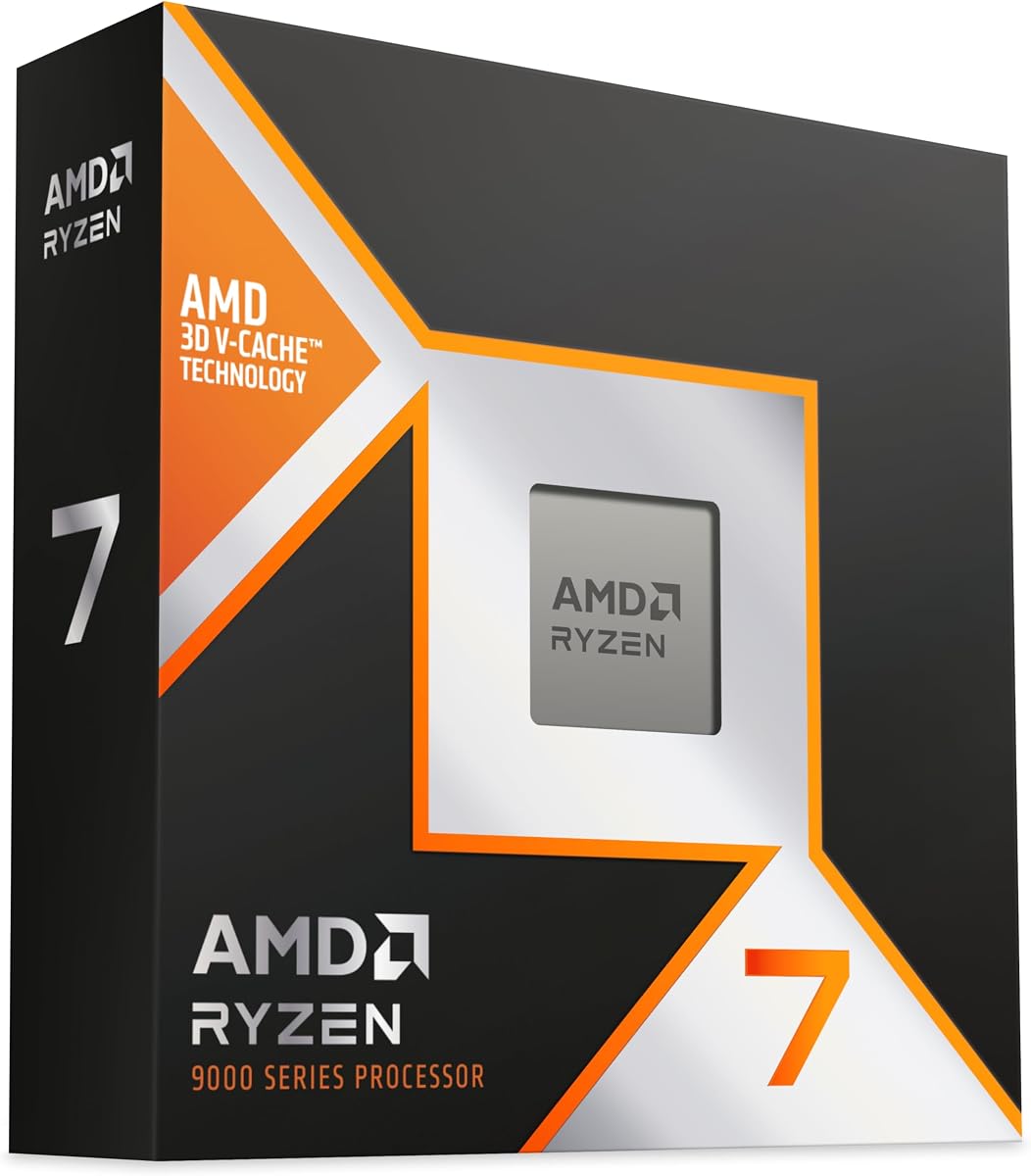
The AMD Ryzen 7 9800X3D is built on Zen 5 technology and features Next Gen 3D V-Cache which boosts efficiency and clock speeds.
We may earn a commission when you buy through this link, at no additional cost to you.
With 8 cores and 16 threads it offers a great balance for tasks that rely heavily on single core performance or lower thread counts.
The 96MB L3 cache provides better hit rates which is beneficial for workloads that require quick access to frequently used data sets.
It is a solid choice for developers who want strong performance without the bulk of a higher core count processor like the 9950X3D.
The V-Cache technology allows for higher clock speeds and better power efficiency compared to previous generation processors.
Being drop-in ready for proven Socket AM5 infrastructure means you can upgrade existing setups with minimal hassle.
We may earn a commission when you buy through this link, at no additional cost to you.
The Intel Core Ultra 9 285K brings ultra-efficient performance through its hybrid architecture which prioritizes and distributes workloads automatically.
We may earn a commission when you buy through this link, at no additional cost to you.
With 24 cores and 24 threads it provides ample parallelism for complex data processing tasks that require high core counts.
The integrated Intel Graphics adds value for systems that do not have dedicated GPU hardware available for initial setup.
This processor is recommended for users who value efficiency and speed while maintaining compatibility with the latest 800 series chipsets.
This architecture integrates two microarchitectures to optimize performance by distributing tasks to the most appropriate cores.
Turbo Boost Max Technology 3.0 ensures that the best cores are used for the most demanding single thread tasks.
We may earn a commission when you buy through this link, at no additional cost to you.
The AMD Ryzen 9 9950X3D is a powerhouse for content creation and gaming with its 16 cores and high boost clock speeds.
We may earn a commission when you buy through this link, at no additional cost to you.
It is built on the Zen 5 architecture which ensures that it is future proof and capable of handling demanding workloads efficiently.
The boost clock reaching up to 5.7GHz provides the raw speed necessary for tasks that benefit from high frequency performance.
This unit is well suited for developers who need a reliable desktop processor that can handle multitasking without slowing down.
The 16 core design allows for rendering and compiling tasks to be completed faster than lower core count alternatives.
As the codename Granite Ridge this processor leverages the AM5 platform for improved connectivity and memory support.
We may earn a commission when you buy through this link, at no additional cost to you.
The AMD Ryzen 9 9900X is described as the world's best gaming desktop processor but its core count makes it excellent for parallel compute too.
We may earn a commission when you buy through this link, at no additional cost to you.
With 12 cores and 24 threads it provides a significant amount of parallel processing power for reasonable pricing.
The max boost of 5.6GHz ensures that single thread performance remains competitive while the unlocked status allows for tuning.
This processor is a great starting point for developers building a high performance workstation on a tighter budget.
Supporting high speed DDR5 memory helps ensure data transfer rates keep up with the processor speed.
Using the AM5 platform gives you access to PCIe 5.0 on select motherboards for faster storage and networking.
We may earn a commission when you buy through this link, at no additional cost to you.
The AMD Ryzen 7 7800X3D provides dependable and fast execution of tasks with maximum efficiency for a wide range of applications.
We may earn a commission when you buy through this link, at no additional cost to you.
Its 5nm process technology ensures reliable performance while the 8 core design allows for significant multitasking capabilities.
The 96MB L3 cache provides excellent hit rates which helps reduce latency when accessing frequently used data in local models.
This remains a strong contender for users who prioritize stability and power efficiency over having the absolute latest architecture.
The processor is built to ensure maximum convenience and feasibility with reliable and fast execution of instructions.
A large L3 cache enables improved system performance by allowing quicker access to data without hitting main memory.
We may earn a commission when you buy through this link, at no additional cost to you.
The AMD Ryzen AI Halo is designed specifically for local AI development and inference with a focus on Linux environments.
We may earn a commission when you buy through this link, at no additional cost to you.
It features 128GB of unified memory which allows for running up to 200B parameter models directly on the device.
The AMD XDNA 2 NPU provides up to 50 TOPS which accelerates inference tasks without relying on external GPUs.
This is the perfect choice for developers working in a Linux ecosystem who need a compact desktop platform for testing workflows.
128GB of unified memory creates a shared pool across CPU GPU and NPU supporting larger AI models efficiently.
Preloaded tools and models optimized for local AI development save setup time and accelerate prototyping.
We may earn a commission when you buy through this link, at no additional cost to you.
The Intel Core i9 14900K offers a leading max clock speed of up to 6.0GHz which ensures smoother responsiveness and frame rates.
We may earn a commission when you buy through this link, at no additional cost to you.
With 24 cores and 32 threads it handles demanding games and workloads efficiently without compromising on performance.
Its compatibility with both DDR4 and DDR5 platforms offers flexibility for users upgrading existing systems to new standards.
This is a strong option for those who need raw speed and compatibility with older chipsets with BIOS updates.
The leading max clock speed of up to 6.0GHz gives you smoother game play and rapid responsiveness.
DDR4 and DDR5 platform support cuts your load times and gives you the space to run demanding games.
We may earn a commission when you buy through this link, at no additional cost to you.
The AMD Ryzen 7 9850X3D is a desktop processor that delivers high performance computing capabilities for advanced users.
We may earn a commission when you buy through this link, at no additional cost to you.
It incorporates the latest generation features which ensure it remains competitive in the market for demanding workloads.
The design focuses on efficiency allowing for powerful performance while managing energy consumption effectively.
This is a good choice for those looking for a reliable and powerful component without the enterprise scale price tag.
The efficient design allows for powerful performance while managing energy consumption effectively for long sessions.
Incorporating the latest generation features ensures it remains competitive in the market for demanding workloads.
We may earn a commission when you buy through this link, at no additional cost to you.
The NVIDIA DGX Spark brings supercomputer performance directly to your desk in a compact energy efficient design.
We may earn a commission when you buy through this link, at no additional cost to you.
It delivers up to 1 petaFLOP of AI performance which accelerates your time to solution for local model fine tuning.
Designed from the ground up to build and run AI it provides seamless integration of the full NVIDIA AI software stack.
This unit empowers rapid testing and validation driving innovation in a secure high performance setting for advanced users.
NVIDIA DGX Spark gives you the freedom to experiment prototype and innovate faster by augmenting cloud resources.
Empower rapid testing and iteration driving innovation in a secure high performance setting for your data.
We may earn a commission when you buy through this link, at no additional cost to you.
Selecting the right processor for machine learning requires balancing core counts, memory bandwidth, and software compatibility to match your specific workloads.
For machine learning tasks that involve data preprocessing and parallel operations a higher core count allows you to process multiple batches of data simultaneously.
Look for processors with at least 12 cores and 24 threads to ensure that your system does not bottleneck during heavy computation phases.
Unified memory allows the CPU and GPU to access the same data pool which is critical for running large language models without moving data back and forth.
Prioritize units with 128GB of unified memory if you plan to run or fine tune models with 200 billion parameters locally.
Large L3 cache sizes reduce latency by storing frequently used data closer to the processing cores which speeds up inference tasks.
Consider processors with 96MB or more of L3 cache to improve hit rates for data sets that fit within the cache boundaries.
Newer architectures like Zen 5 or Grace Blackwell offer improved instructions per clock and better power efficiency for AI tasks.
Choose the latest generation available to ensure long term support for software libraries and optimization tools.
Check if the processor integrates well with your preferred AI stack such as NVIDIA AI software or AMD ROCm for developer platforms.
Seamless integration reduces setup time and ensures that you can deploy models across different environments without compatibility issues.
High memory bandwidth ensures that data can be fed to the cores quickly enough to keep them fully utilized during training or inference.
Look for support of high speed DDR5 memory and high transfer rates like 8000 MT/s to maximize throughput.
Powerful processors generate significant heat which requires adequate cooling solutions to maintain stable clock speeds over long run times.
Ensure you have a robust cooling solution available as most high performance desktop CPUs do not include a cooler in the box.
Modern AI workstations benefit from high speed networking and storage interfaces to load large datasets quickly into memory.
Verify that the processor supports PCIe 5.0 and has enough USB and LAN ports to connect your peripherals and network storage.
Install your operating system and necessary drivers carefully to ensure that the processor and integrated graphics are functioning correctly.
Run benchmark tests after installation to confirm that all cores are active and that the thermal solution is dissipating heat effectively.
Monitor temperatures during heavy workloads and clean dust filters regularly to maintain optimal performance and longevity for the unit.
For local machine learning models with significant parameters you should aim for at least 128GB of unified memory to allow for efficient data access and model loading.
Many of these CPUs have integrated graphics but for serious training you may still need a dedicated GPU. However some like NVIDIA DGX include specialized AI hardware.
Most modern processors are compatible with Linux but specific platforms like AMD Ryzen AI Halo are purpose built for Linux based AI development with full support.
Yes these high core count processors are excellent for video editing and content creation due to their strong multitasking and rendering capabilities.
Unified memory allows the CPU and GPU to access the same pool of memory which eliminates data transfer bottlenecks and allows for larger models to run locally.
Yes most desktop processors do not include a cooler in the box so you must purchase a compatible high performance cooling solution separately.
Check your motherboard compatibility for Socket AM5 or Intel 800 series to ensure the new processor fits before purchasing to avoid hardware conflicts.
A 2 Pack like the NVIDIA DGX Spark 2 Pack offers double the capacity for enterprise scale AI and allows for more robust testing and development environments.
The top picks in this guide range from high efficiency desktop units to enterprise scale desktop supercomputers tailored for local AI development.
Prioritize unified memory and core counts if you plan to run large parameter models or need heavy parallel processing for your daily work.
Always check current pricing and availability as these high performance components can vary in cost based on demand and stock levels.