
SAMSUNG QB43R 43 inch 4K UHD LED Commercial Signage Display
5.0Editor score
43 Inch 4K UHD Display
Built-in Wi-Fi and Bluetooth
Cisco WebEx Room Kit Compatible
Finding the right conference room monitor is essential for seamless meetings. A good display ensures everyone sees content clearly, supports video calls, and integrates smoothly with your existing tools without technical hiccups.
We evaluated leading models based on resolution, size, connectivity options, and commercial durability. Our list covers a range of needs from small huddle spaces to large boardrooms, ensuring you find the perfect fit.
Each pick highlights key strengths and ideal use cases. Note that prices and availability change frequently, so verify current details before purchasing to ensure you get the best value for your specific setup needs.
5.0Editor score
5.0Editor score

4.8Editor score
As an Amazon Associate we earn from qualifying purchases.
Here is a side-by-side comparison of the top ten conference room monitors to help you quickly identify the model that best fits your space requirements and budget constraints.


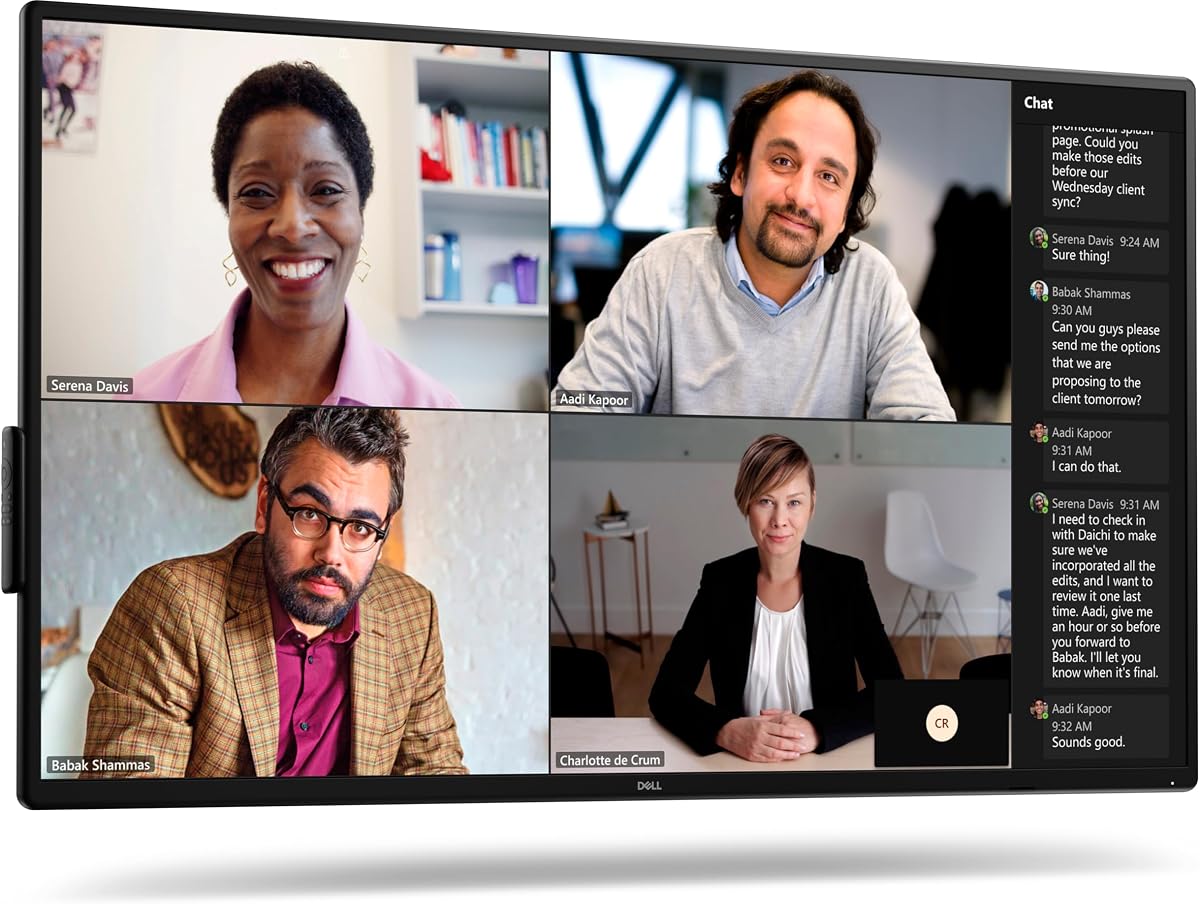


The Dell P5524Q is a top contender for secure enterprise environments. Its 55-inch 4K screen delivers sharp visuals while built-in speakers reduce cable clutter. Security locks make it ideal for public spaces.
We may earn a commission when you buy through this link, at no additional cost to you.
This monitor features a robust anti-glare coating that ensures visibility even in bright offices. The wide viewing angle panel allows everyone in the room to see content clearly without distortion or color shift.
While it lacks a full operating system like Android or WebOS, its simplicity can be a benefit for IT teams managing centralized content. The security features are particularly valuable for rooms accessing confidential data.
Buy this if you need a reliable, secure display for executive meetings. It pairs well with external compute sticks or dedicated conferencing hardware to create a complete presentation setup.
Physical lock slots prevent unauthorized removal or tampering with the display.
Dual 10-watt speakers provide clear audio for video calls without external speakers.
We may earn a commission when you buy through this link, at no additional cost to you.
The Samsung QB65R brings a 65-inch canvas to your meeting space. It supports Cisco WebEx kits directly and includes built-in wireless for easy content sharing from any device in the room.
We may earn a commission when you buy through this link, at no additional cost to you.
Its Intelligent UHD upscaling ensures that even lower resolution files look crisp on the large panel. The embedded media player allows standalone operation without needing a connected laptop.
Installation requires careful planning due to its size and weight. However, the slim bezel design makes it look sleek once mounted. It is best for high traffic corporate lobbies or boardrooms.
This display is perfect for teams needing large collaborative spaces. It simplifies room tech by reducing the need for external media players and simplifies content sharing.
System-on-chip tech allows standalone operation and easy content scheduling.
Bluetooth and Wi-Fi enable seamless connection for mobile devices and tablets.
We may earn a commission when you buy through this link, at no additional cost to you.
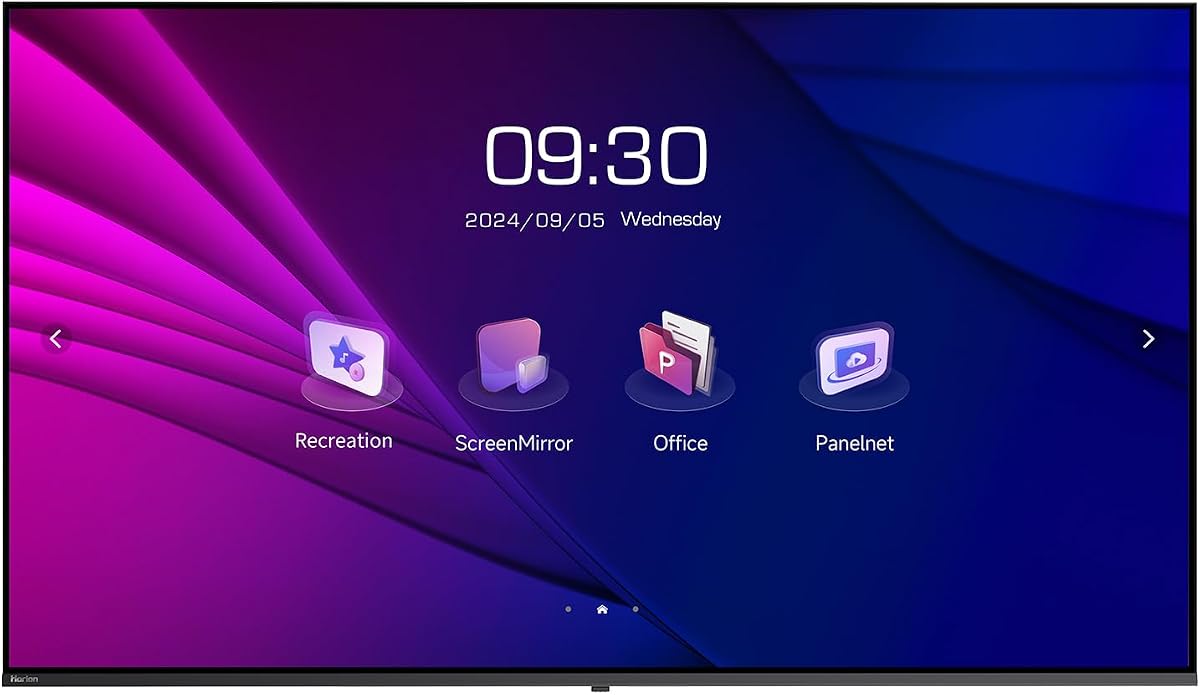
The HORION 75-inch display is a powerhouse for large conference rooms. It features an ad-free OS that instantly switches between media and meeting modes. This flexibility makes it versatile for daily corporate use.
We may earn a commission when you buy through this link, at no additional cost to you.
Dual independent WiFi modules ensure stable connections even when casting high bandwidth content. The low blue light certification protects eyes during long presentations. It is robust enough for 24/7 commercial operation.
Installation includes all necessary hardware for wall or mobile cart setups. The vertical mount capability adds creative layout options for lobbies or hallways. It offers significant value for the screen size provided.
Choose this if you need a massive, reliable display without complex add-ons. It is ideal for companies wanting to simplify their AV stack with one versatile unit.
Ad-free Horion OS switches instantly to meeting tools like agendas and timers.
Twin WiFi modules eliminate lag for smooth wireless screen sharing.
We may earn a commission when you buy through this link, at no additional cost to you.
The LG UL3G comes as a complete bundle with HDMI cables and cleaning supplies. This makes it ready for immediate deployment. Its IPS panel ensures consistent colors from any angle in a crowded room.
We may earn a commission when you buy through this link, at no additional cost to you.
WebOS 4.1 provides a smart interface familiar to home TV users but optimized for commercial use. It supports remote monitoring via LG Control Manager for enterprise scale deployments. Crestron connectivity ensures it works with existing control systems.
This is a solid choice for meeting rooms where ease of setup is paramount. The included surge protector adds a layer of safety for valuable equipment. It balances performance with cost effectively.
Select this if you need a turn-key solution without extra cables. It is perfect for mid-sized offices needing reliable digital signage and conferencing capabilities.
Includes surge protector and cables so you can install immediately.
Wide viewing angles ensure accurate colors from all seating positions.
We may earn a commission when you buy through this link, at no additional cost to you.
The Dell P5525QC is designed for modern hybrid workflows. It supports USB-C docking so laptops can connect with a single cable for power and data. The 4K resolution provides crisp text for detailed document reviews.
We may earn a commission when you buy through this link, at no additional cost to you.
Its commercial grade build withstands daily use. The lack of internal speakers encourages dedicated audio hardware which often yields better sound quality for video calls. It fits well in clean office aesthetics.
This model shines in tech-forward offices where laptop connectivity is frequent. USB-C support reduces cable clutter significantly. It is a robust choice for rooms that prioritize video conferencing clarity.
Buy this for high-end conference rooms needing reliable display and connectivity. It pairs perfectly with external soundbars for a complete conferencing experience.
USB-C allows laptop video and power via one cable.
Built to withstand daily operations in busy office environments.
We may earn a commission when you buy through this link, at no additional cost to you.
The Philips 34-inch UltraWide monitor is ideal for small huddle rooms. It includes a built-in webcam with noise canceling mic and supports Windows Hello for secure logins. USB-C docking simplifies connection for single users.
We may earn a commission when you buy through this link, at no additional cost to you.
Its curved VA panel wraps around the view for better focus. The 21:9 aspect ratio is great for side-by-side document viewing during meetings. It is a cost-effective solution for small teams.
This display works best in offices where space is limited. It eliminates the need for separate webcams or docks. While smaller than typical conference screens, it suits focused breakout sessions perfectly.
Pick this for small teams needing an easy setup. It combines display and video hardware into one compact unit saving desk space.
Built-in webcam and mic simplify small room setups.
21:9 ratio helps view two documents during meetings.
We may earn a commission when you buy through this link, at no additional cost to you.
The Samsung QB43R is a versatile commercial display. It supports Cisco WebEx room kits and features a 3-year warranty for long-term reliability. The embedded media player allows content playback without extra hardware.
We may earn a commission when you buy through this link, at no additional cost to you.
Its Intelligent UHD upscaling ensures sharp visuals from any source. The slim design fits modern corporate interiors. With built-in Wi-Fi and Bluetooth it simplifies control and content sharing on the go.
This unit is designed for business environments requiring durability. It handles 24/7 operation scenarios well. The warranty provides peace of mind for IT managers deploying multiple units.
Choose this for professional spaces needing a reliable digital signage display. It bridges the gap between meeting screens and lobby displays effectively.
Embedded player allows standalone operation without extra devices.
Three year warranty ensures long-term commercial support.
We may earn a commission when you buy through this link, at no additional cost to you.
Sony delivers premium video quality with the FW75BZ30L. It supports 4K HDR ensuring rich colors for presentations. Its ability to switch to portrait orientation makes it unique for directories or tall lobby spaces.
We may earn a commission when you buy through this link, at no additional cost to you.
This monitor excels where image fidelity is paramount. It lacks an internal OS which ensures simplicity but requires an external player for smart features. The commercial grade build ensures it withstands constant use.
Ideal for high-end corporate headquarters or media rooms. The VA panel offers deep blacks and sharp contrast. It is a substantial investment but delivers superior visual performance.
Opt for this if you need top-tier picture quality and flexibility. It is best for spaces where visual impact matters most.
Rotate to vertical mode for lobby directories.
HDR support ensures vivid colors and deep blacks.
We may earn a commission when you buy through this link, at no additional cost to you.
The Samsung QE50T is built to run up to 16 hours a day. It includes a media player for direct USB playback and features a sleek bezel-less design. This makes it ideal for retail or office hallways.
We may earn a commission when you buy through this link, at no additional cost to you.
Non-glare panels ensure visibility in bright lighting. The integrated player means you can show schedules or videos without a laptop. It balances cost and performance well for moderate traffic areas.
While brightness is standard compared to pro models, it suffices for most indoor use. Its durability supports long-term commercial deployments. It is a practical choice for everyday corporate needs.
Use this for common areas needing continuous content playback. It offers reliability without high-end costs.
Rated for 16/7 operation for consistent reliability.
Play content directly from USB without extra hardware.
We may earn a commission when you buy through this link, at no additional cost to you.
The Logitech MeetUp is not a monitor but complements any display perfectly. It combines a 4K camera with three microphones in one compact device. Ideal for small huddle rooms needing professional video conferencing.
We may earn a commission when you buy through this link, at no additional cost to you.
Its motorized pan tilt expands the field of view. The microphones capture voices clearly from across the room. It works with Teams Zoom and Google Meet out of the box without complex software.
While it does not display content itself it is a vital component for hybrid meetings. Use it alongside a large screen monitor for a complete room solution. It simplifies AV setup significantly.
Buy this to upgrade existing displays with pro video tools. It turns any monitor into a powerful meeting hub.
Three mics pick up clear voices across the room.
Certified for Zoom Rooms for reliable connectivity.
We may earn a commission when you buy through this link, at no additional cost to you.
Selecting the right monitor requires balancing size, resolution, and connectivity. Here are key factors to consider for your specific environment.
Choose a size that fills the wall without overwhelming the room. Large screens like 75 inches work well for boardrooms while 43 inches suit small huddle spaces. Consider viewing distance and ceiling height.
Measure your room first to ensure the display fits your space proportionally.
4K UHD resolution ensures text and graphics are sharp. This is crucial for detailed reports or code reviews during meetings. Lower resolutions may appear pixelated when viewed up close.
Always opt for 4K to future-proof your meeting room setup.
Look for multiple HDMI ports and USB-C docking capabilities. Modern laptops often lack traditional ports so USB-C simplifies connection. Ensure the display supports the resolution and refresh rates your devices need.
Verify ports match your current and future laptop models.
Some monitors include SoC tech allowing standalone operation. This eliminates the need for external compute sticks. Others rely on external hardware which gives more flexibility but adds cost.
Decide if you need smart features built into the screen or external control.
Built-in speakers save cabling but dedicated soundbars often sound better. If your meetings involve frequent video calls check microphone and speaker quality. External audio ensures voices are clear and intelligible.
Consider external audio for rooms where audio clarity is critical.
Commercial monitors are built for longer daily run times than consumer TVs. Check warranties and operational hours ratings. A 3-year commercial warranty often indicates higher build quality and support.
Ensure the monitor is rated for your expected daily usage hours.
Standard VESA mounts allow easy wall mounting. Some displays support portrait orientation for directories or specific layouts. Verify weight limits for your wall or stand before installing.
Check VESA compatibility to simplify physical installation.
High-end displays cost more but offer better durability and features. Determine if you need commercial grade or if a business consumer model works. Balance upfront costs with long-term reliability.
Invest in features that will reduce maintenance and improve meetings.
Mount the display securely using the recommended VESA standards. Use anti-glare settings to reduce reflections during bright meetings. Position speakers at ear level for optimal audio quality.
Clean the screen with a soft microfiber cloth to avoid scratches. Avoid chemical cleaners that can damage coatings. Regular dusting keeps image clarity sharp and consistent.
Keep firmware updated for security patches and new features. Schedule rest times for commercial units to maintain longevity. Use surge protectors to safeguard electronics during power fluctuations.
Select based on room dimensions. 55 to 65 inches suits standard boardrooms while 43 inches works for smaller spaces. Larger sizes like 75 inches are ideal for executive rooms where visibility is key.
Some models have built-in SoC for standalone operation. Others require external PCs or streaming sticks. Check your needs for smart features before deciding on standalone or external compute.
Yes commercial monitors are built for longer daily run times and include better warranties. They often feature anti-glare screens and professional mounting options that consumer TVs lack.
Use HDMI for most standard laptops. If your laptop has USB-C use a cable that supports video and power. This reduces clutter and simplifies connection for hybrid meeting setups.
4K UHD is the standard for modern conference rooms. It ensures text and diagrams remain sharp on larger screens. Avoid Full HD for screens larger than 50 inches.
Many commercial monitors include media players for digital signage. Ensure the model supports the format and remote management features you need for hallway or lobby displays.
Yes most models work with Teams Zoom and Google Meet when connected to a PC. Some displays integrate directly with conferencing kits for seamless room setup and audio.
Commercial units often last several years with daily use. Ratings for 16/7 operation indicate high durability. Proper ventilation and regular updates extend lifespan further.
Our top picks offer diverse solutions for every room size. The HORION 75" provides an all-in-one powerhouse while Samsung offers reliable digital signage. Choose based on your space and budget.
Prioritize resolution and connectivity for long-term satisfaction. A good monitor enhances collaboration and professionalism in meetings. Balance costs with the features your team needs most.
Remember to verify current availability and prices before purchasing. Technology evolves quickly so check for the latest firmware and connectivity options to ensure your room stays future ready.