
Highwings USB C to HDMI Cable
4.5Editor score
Supports 4K at 60Hz resolution
Aerospace-grade aluminum casing
Over 25000 bend tests passed
This guide compares the best cable to connect phone and TV for reliable HDMI mirroring across iPhone, Android, and USB-C devices with full specs and tips.
Connecting your smartphone to a television opens up new possibilities for entertainment and productivity. Whether you want to watch movies on a big screen or present slides during a meeting, the right cable makes it possible. A good cable ensures stable signal transmission, high resolution support, and durability for daily use.
We evaluated ten top-rated cables and adapters based on compatibility, video quality, build quality, and ease of use. Our analysis covers USB-C, Lightning, and hybrid options to help you find the perfect match for your device and display setup without unnecessary confusion or wasted purchases.
Each pick shows key features, compatibility notes, and real-world performance expectations based on manufacturer data and user feedback. Prices may vary over time so check current listings before buying to ensure you get the best value for your specific connection needs today.
4.5Editor score

4.5Editor score
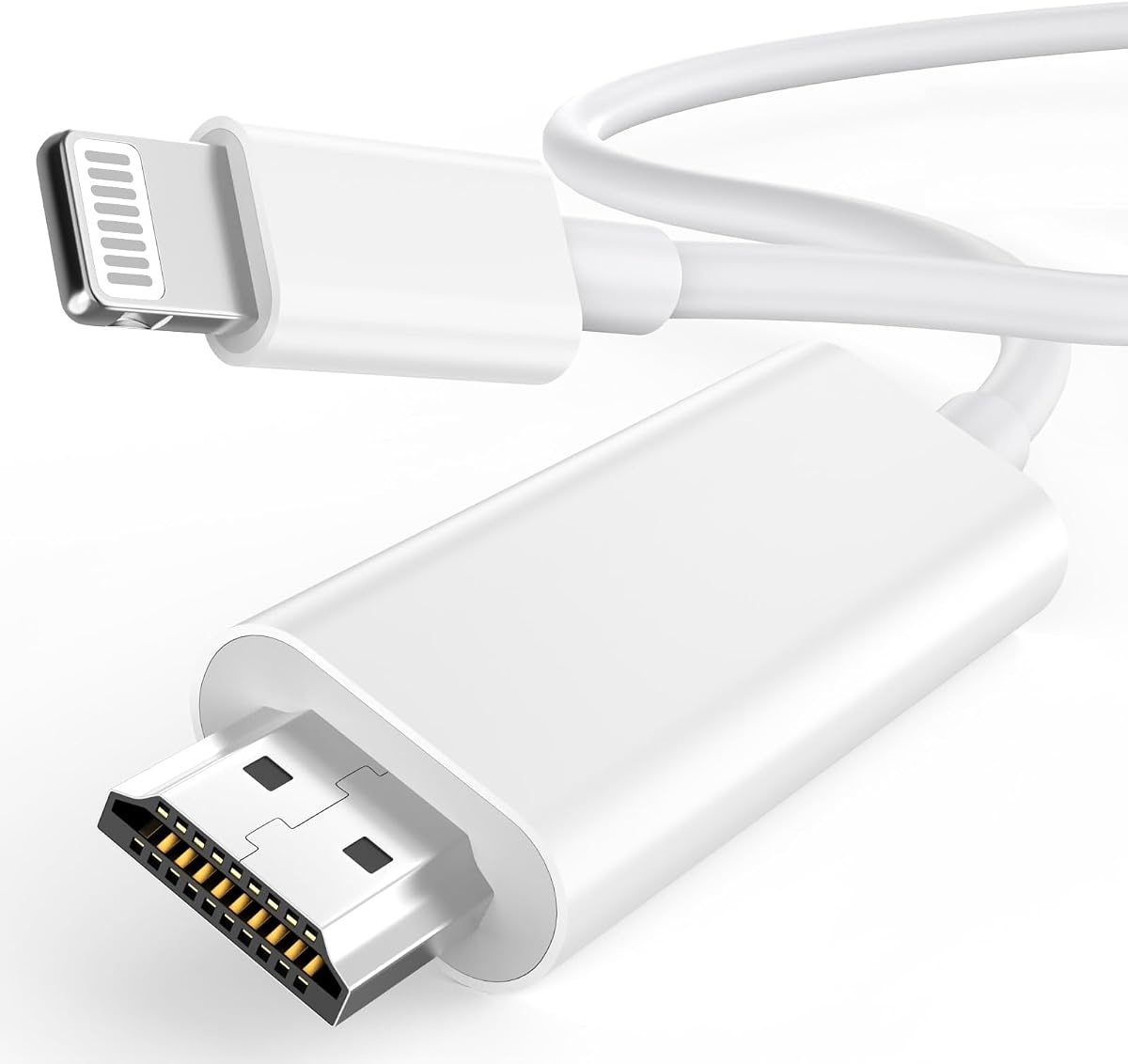
4.3Editor score
The following table provides a side-by-side look at all ten cables and adapters reviewed in this guide. Compare key specifications, compatibility, and features to find the best match for your phone and television setup.



The uni USB C to HDMI cable stands out as a reliable choice for connecting devices to TVs or monitors. It supports 4K at 30Hz and uses a braided nylon design for extra durability. Users appreciate the indicator light on the C port which confirms a stable connection is active.
We may earn a commission when you buy through this link, at no additional cost to you.
Key strengths include direct connection to Android phones with video output enabled and compatibility with a wide range of laptops and tablets. The aluminum housing helps with thermal insulation during extended use. No additional software or drivers are required for immediate setup.
Trade-offs include the lack of HDR support and one-way transmission which limits reverse functionality. It does not work with portable monitors or hubs which may affect some use cases. These limits are acceptable for standard home office presentations and video streaming.
This cable is ideal for users seeking a straightforward solution for mirroring screens from USB-C devices. Whether you are presenting in a meeting or watching videos at home it delivers clear results without complexity.
Direct connection avoids WiFi casting issues and ensures smooth audio video sync without interruptions or latency during streaming or presentations.
Braided nylon and aluminum housing protect against wear and heat buildup making it suitable for daily use in home or office settings.
We may earn a commission when you buy through this link, at no additional cost to you.
The Highwings USB C to HDMI cable delivers an immersive visual experience with 4K at 60Hz resolution. Its 6ft length offers flexibility for couch gaming or home theater setups. The aerospace-grade aluminum casing helps dissipate heat during long streaming sessions ensuring consistent performance.
We may earn a commission when you buy through this link, at no additional cost to you.
Strengths include backward compatibility with 30Hz and 1080P options along with advanced shielding that prevents signal loss. The cable survives over 25000 bends and features non-slip grips for secure plugging. It is designed for unidirectional transfer from host to display.
Limitations are that it does not provide charging and requires a source device with DP Alternate Mode. Users without this feature may need a different adapter or hub. These constraints are acceptable given the high refresh rate and durable build quality.
This cable is best for users who want smooth video playback and gaming without high cost. It is a strong budget option for USB-C laptops tablets and phones that support video output over the port.
Support for 60Hz allows fluid motion in movies games and presentations reducing blur and enhancing the viewing experience on large screens.
With 25000+ bend testing and a tangle-resistant flat cable design this unit resists daily wear and tear for years of reliable use.
We may earn a commission when you buy through this link, at no additional cost to you.
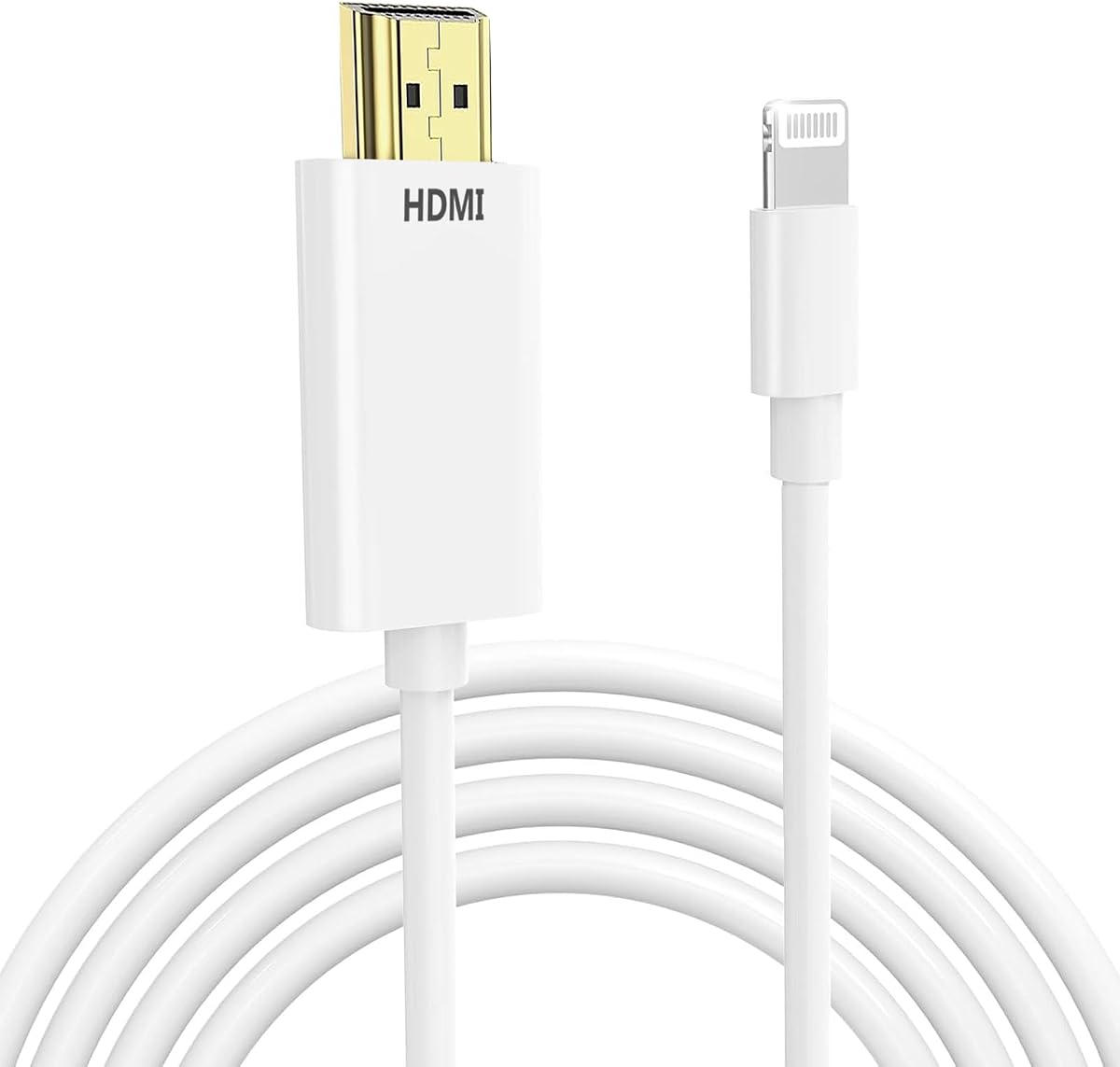
The Apple MFi Certified Lightning to HDMI cable offers seamless connectivity between iPhones and iPads and large displays. It supports 1080P HD resolution and uses an MFi certified chip to prevent connection errors. Users enjoy stable video output without needing to adjust settings on their devices.
We may earn a commission when you buy through this link, at no additional cost to you.
Key strengths include compatibility with a wide range of Apple devices from iPhone 5 to iPhone 14. The 6.6ft length allows comfortable viewing away from the screen. It supports many streaming apps including YouTube Hulu and IMDb without lag or buffering issues.
Trade-offs involve the lack of HDCP bypass which restricts certain copyrighted content like Netflix or Prime Video. This limitation is due to Apple policy not the product itself. The cable also only works with Lightning ports not USB-C or newer iPhones.
This adapter is ideal for Apple users who need reliable screen mirroring for presentations or media sharing. It delivers a polished experience with clear visuals and consistent performance across supported iOS devices.
Official Apple certification ensures stable signals and prevents unauthorized connection warnings that can disrupt streaming or presentations.
Wide compatibility across iPhone and iPad models means you can use the same cable with multiple devices without needing adapters.
We may earn a commission when you buy through this link, at no additional cost to you.
This USB C to HDMI cable supports 4K at 30Hz and is designed for Thunderbolt 3 4 and 5 ports. The 6ft length provides flexibility for connecting laptops to TVs or projectors. It features an aluminum alloy casing that helps conduct heat outward during operation.
We may earn a commission when you buy through this link, at no additional cost to you.
Strengths include ergonomic thumb-contour grooves for a secure grip and braided nylon to resist fraying. The cable ensures reliable lag-free signal transmission without needing WiFi. It is compatible with a wide range of devices including iPhones MacBook Pros and Samsung Galaxy phones.
Trade-offs include a 30Hz refresh rate which is not ideal for high-frame-rate gaming. The one-way transfer also limits reverse functionality. These are acceptable for general office work web browsing and video streaming where lower refresh rates suffice.
This cable is best for users with Thunderbolt-enabled devices who want a reliable connection to HDMI displays. It balances performance and durability for everyday use in home or professional environments.
Aluminum alloy casing conducts heat outward to maintain performance during extended use without excessive surface warmth or signal issues.
Thumb-contour grooves provide a non-slip grip for easier plugging and unplugging especially when using the cable frequently.
We may earn a commission when you buy through this link, at no additional cost to you.
The JSAUX USB C to HDMI cable offers a 10ft length which is ideal for connecting devices while sitting on a couch or bed. It supports 4K at 60Hz and uses triple tin shielding with premium braided nylon. Corrosion resistant connectors ensure top tier image and sound quality.
We may earn a commission when you buy through this link, at no additional cost to you.
Strengths include broad compatibility with various HDMI versions including HDMI 2.0 and 1.4. The cable allows high refresh rates up to 144Hz at 1440p for supported devices. It is designed to enlarge scenes in daily life with flexible placement options.
Trade-offs are the longer length which may not be necessary for all setups and the requirement for DP Alternate Mode. Some users may prefer shorter cables for compact desks. These limits are minor compared to the flexibility and performance offered.
This cable is best for users needing extra reach without sacrificing quality. It is suitable for home theater gaming or presentations where distance between device and display is a factor.
The 10ft length enables comfortable viewing from a couch or bed while maintaining clear high resolution video and audio transmission.
Triple tin shielding ensures minimal signal loss and maximum image clarity even with the extended cable length used.
We may earn a commission when you buy through this link, at no additional cost to you.
The Kinhaly USB C to HDMI adapter adds a charging port alongside video output for 4K at 60Hz. It supports iPhone 15 and 16 series as well as iPads and MacBooks. Users can enjoy home theater experiences or live streaming while keeping their device powered.
We may earn a commission when you buy through this link, at no additional cost to you.
Strengths include plug and play functionality with no drivers needed. It supports a variety of video apps and allows faster charging during use. The premium aluminum alloy casing and nylon braided cable help with heat dissipation and durability.
Trade-offs include the fact it does not work with apps having HDMI video copyright protection like Netflix. It also requires a USB-C port with DisplayPort Alternate Mode. These limits are acceptable for users prioritizing charging while mirroring.
This adapter is best for users who need to charge their device while using it on a TV. It is ideal for presentations travel or home use where power access is limited during screen sharing.
The integrated charging port allows users to keep their devices powered during long streaming or presentation sessions without interruption.
4K at 60Hz output ensures clear visuals and audio which is great for videos photos and other multimedia content.
We may earn a commission when you buy through this link, at no additional cost to you.
This Universal 3-in-1 HDMI mirroring cable supports Lightning Micro USB and USB-C ports making it versatile for iOS and Android devices. It delivers 1080P high definition video and supports up to 2K at 60Hz. The nylon braided design ensures long-lasting performance and prevents tangling.
We may earn a commission when you buy through this link, at no additional cost to you.
Strengths include eliminating the need to buy multiple cables for different devices. It supports video calls streaming apps and games on the big screen. The MHL functionality allows content mirroring from supported apps and local files.
Trade-offs involve the need for external power and a more complex setup for Android users. iOS users do not need to scan codes but Android must enable USB debugging. These steps may be cumbersome for quick setups.
This cable is best for users with multiple devices and different port types who want a single solution. It is suitable for conferences educational purposes and general home use with proper setup.
Supports Lightning Micro USB and USB-C so you can use one purchase for multiple devices and ports without buying separate cables.
MHL support enables seamless content mirroring from apps and local files making it a versatile tool for various content types.
We may earn a commission when you buy through this link, at no additional cost to you.
This Lightning to HDMI adapter offers plug and play simplicity for connecting iPhones and iPads to TVs or projectors. It supports 1080P at 60Hz and requires no external power or apps for setup. Users can enjoy razor-sharp Full HD resolution for movies gaming and presentations.
We may earn a commission when you buy through this link, at no additional cost to you.
Strengths include wide compatibility with Lightning devices from iPhone 7 to iPhone 14. The aluminum shell and nylon braided cable resist heat and tangling. The 6.6ft length provides flexibility to sit comfortably away from the display.
Trade-offs include the lack of HDCP bypass which restricts certain copyrighted streaming apps. It also only works with Lightning ports not newer USB-C iPhones. These limits are acceptable for users focusing on presentations or non-protected content.
This adapter is best for users who want a simple reliable solution without extra power. It is ideal for presentations home entertainment and on-the-go use with older iPhones.
Eliminates the need for external power banks or outlets which is convenient for hotels camping and quick presentations.
Works with iPhone 7 through 14 and all Lightning iPads ensuring broad support for Apple devices still using the Lightning port.
We may earn a commission when you buy through this link, at no additional cost to you.
The KikoSaka Lightning to HDMI cable ensures compatibility with multiple Apple devices using MFi certification. It supports iPhone 5 to iPhone 14 and all iOS versions for a seamless experience. Users can mirror their screen to HDMI-equipped TVs or projectors easily.
We may earn a commission when you buy through this link, at no additional cost to you.
Strengths include consistent video transmission and reliable connectivity without errors. It is designed as a Digital AV Adapter for direct connection to displays. The product ensures wide range of devices can use the same adapter effectively.
Trade-offs are limited to Lightning ports only which excludes newer USB-C iPhones. It may not support certain copyrighted apps due to HDCP restrictions. These limits are common to most Lightning HDMI adapters and acceptable for standard use.
This cable is best for Apple users needing reliable mirroring for presentations or media. It offers a straightforward solution for devices with Lightning ports.
Apple MFi certification guarantees compatibility and stable signals without connection errors that disrupt video or audio transmission.
Works with iPhone 5 through 14 and all Lightning iPads making it versatile for families or users with multiple devices.
We may earn a commission when you buy through this link, at no additional cost to you.
This Apple MFi Certified Lightning to HDMI adapter features a 10ft cable which is perfect for home theater and office setups. It supports 1080P HD sync and uses triple-Armor nylon braid for higher tensile strength. Users enjoy seamless compatibility with iOS devices without connection warnings.
We may earn a commission when you buy through this link, at no additional cost to you.
Strengths include extensive compatibility with all Lightning port devices from iPhone 5 to iPhone 14. The braided exterior resists tangles and cuts for indoor or outdoor use. It supports popular apps like YouTube Hulu and TikTok for streaming on the big screen.
Trade-offs involve the lack of HDCP bypass which restricts apps like Netflix and Prime Video. The cable also only works with Lightning ports. These limits are common for Lightning adapters but do not affect most use cases for presentations or personal media.
This adapter is best for users who need extra cable length and reliability for iOS devices. It is ideal for presentations home entertainment and flexible viewing away from the TV.
The 10ft length allows flexible placement such as from a sofa to a TV or desk to projector without needing extension cords.
Nylon braid and corrosion-resistant connectors ensure durability against daily wear and signal interference over years of use.
We may earn a commission when you buy through this link, at no additional cost to you.
Choosing the right cable depends on your device port type desired video quality and whether you need extra features like charging. Consider the following factors to make an informed decision.
Identify whether your phone uses USB-C Lightning or Micro USB. USB-C devices often require DisplayPort Alternate Mode for video output. Lightning devices need MFi certified adapters for stable connection. Check your device specs before buying.
Ensure the cable supports your device's video output capability to avoid purchase issues and signal problems.
Decide if you need 4K at 30Hz or 60Hz. Higher refresh rates provide smoother motion for gaming and video. Most basic cables support 1080P which is sufficient for presentations and streaming. Choose based on your display's capabilities.
Select a cable that matches your TV's resolution and refresh rate for optimal viewing.
Cables come in lengths from 3ft to 10ft or more. Longer cables offer flexibility for seating arrangements. Braided nylon and aluminum housing improve durability. Flat cables reduce tangling for portable use.
Pick a length and design that fits your room layout and usage habits.
Some adapters include a charging port to keep devices powered during use. This is useful for long presentations or streaming sessions. Standard cables may not support charging so verify if you need this feature before purchasing.
Choose a model with a charging port if you plan to use the device while mirroring.
Many adapters do not bypass HDCP for apps like Netflix or Prime Video. This is due to copyright restrictions. For personal media and other apps the cable will work fine. Check supported apps before buying if streaming services matter.
Be aware that protected content may not play regardless of the cable brand.
Look for MFi certification for Apple devices to ensure stability. Aluminum housing and braided cables improve longevity. Check warranty terms and customer support options. Higher quality materials reduce signal loss and wear.
Invest in certified and well-built cables for reliable performance.
Most cables are plug and play but some Android devices may need settings changes. iOS devices generally work without extra steps. Avoid models that require app downloads for basic mirroring. Simpler setup means faster use.
Prioritize cables that require minimal configuration for convenience.
Certain devices like older Android phones may only support charging not video. Verify DisplayPort Alternate Mode on USB-C devices. Check iPhone models as newer ones use USB-C. Confirm all requirements before buying.
Ensure the cable supports your specific device model for video output.
Connect the cable to your device and TV port ensuring both ends are firmly inserted. For Android devices enable USB debugging if required and select HDMI as the source on your TV. For iOS devices simply wait for the connection prompt and click Trust if needed.
After connecting check your TV input source and adjust settings if necessary to view your screen. If no image appears verify your device supports video output over the port. Restart both devices to reset the connection if issues persist.
Store the cable loosely coiled to avoid kinks and protect the internal wires. Wipe the connectors occasionally to remove dust and keep them dry. Avoid bending the cable sharply near the connectors to extend its lifespan.
No. Only USB-C ports that support DisplayPort Alternate Mode can output video. Most chargers and data-only cables do not work. Check your device specs or manual to confirm video support before buying a cable.
This may happen if the cable is not MFi certified or the port is dirty. Ensure the cable is MFi certified and both ports are clean. Restart your phone and try a different cable or adapter.
Most cables do not support apps with HDCP copyright protection like Netflix. These apps block mirroring regardless of the cable. You can watch other apps like YouTube and personal media without issues.
Most cables are plug and play and do not require software. Some Android devices may need settings changes. iOS devices work without apps. Avoid cables that require downloads for basic functionality.
Yes 4K at 30Hz is sufficient for most streaming and office use. For gaming or smooth motion look for 60Hz support. Check your TV and device capabilities before choosing the refresh rate.
Only adapters with a separate charging port support this. Most standard cables do not. Check product specs to confirm if charging is supported during video output.
Most models feature braided nylon and aluminum casings to resist wear. Look for bend-tested designs and warranty terms. Proper storage and handling will extend their lifespan.
Check that the cable is securely connected and your device supports the resolution. Restart your devices and try a different port or cable. Ensure the TV input matches the connection.
The ten cables reviewed provide options for various devices and needs from budget USB-C adapters to certified Lightning options for iPhones. Each delivers reliable mirroring for presentations and media with key differences in length refresh rate and features.
Prioritize your device port type desired resolution and any extra needs like charging or port length. Choose cables with strong build quality and compatibility support to avoid setup issues and ensure smooth viewing.
Prices and availability may change so check current listings before buying to confirm the best fit for your setup. With the right cable you can easily extend your phone's screen to a larger display for any occasion.