
Clip Busy Light Standard for The Office
4.4Editor score
59 inch USB cable
Easy monitor clip
Manual color switch
This comprehensive guide compares the top ten busy lights for office environments to help teams reduce interruptions, signal availability, and boost focus.
Busy lights for office spaces are essential tools that help teams communicate availability without verbal interruptions. These visual indicators use colored LEDs to show when someone is on a call, in a meeting, or ready to collaborate.
We evaluated ten leading models based on connectivity, ease of use, and integration with popular platforms like Teams and Zoom. Our analysis covers both manual and auto-sync options to suit various workflow needs.
Each selection highlights specific strengths and ideal use cases so you can choose the right device for your workspace. Please note that availability and specifications may change, so always verify current details before purchasing.
4.4Editor score
4.2Editor score

4.3Editor score
The following table provides a side-by-side comparison of all ten selected busy lights for office use. Review key specifications and features to find the model that best fits your workspace requirements.


The Switch Pro 2 is a leading choice for teams needing a no-software solution. It uses a physical cube to control an external indicator. Its rating reflects high satisfaction among IT managers.
We may earn a commission when you buy through this link, at no additional cost to you.
This device shines by eliminating the need for complex configuration. You simply place the cube inside the meeting room and the indicator outside. The colors signal clear statuses without any IT tickets.
While the price is higher than USB models the wireless convenience is significant. It works even when software installation is blocked. This makes it ideal for secure environments.
Buy this if you want instant setup without admin approval. It is perfect for meeting rooms in strict offices. The visual feedback prevents unnecessary interruptions during calls.
Setup is effortless since no apps or drivers are needed. The system works out of the box immediately.
It avoids software restrictions common in corporate networks. This ensures compliance with security policies.
We may earn a commission when you buy through this link, at no additional cost to you.
The Kuando Busylight UC Omega stands out with integrated ringer functionality. It syncs with major UC platforms to show real time status. Its rating is high among remote workers.
We may earn a commission when you buy through this link, at no additional cost to you.
You benefit from automatic status changes based on your call state. The built-in ring alert ensures you hear incoming calls even without a headset. This improves responsiveness.
Installation requires software which might not suit all users. However the features offered are extensive for the price. It supports multiple platforms seamlessly.
Choose this if you need a robust desktop presence tool. It is great for call centers or busy offices. The alerts help you stay connected throughout the day.
The built-in ringer complements your headset. It keeps you aware of calls even when muted.
It works with Teams Zoom and Cisco. This flexibility fits diverse office setups.
We may earn a commission when you buy through this link, at no additional cost to you.
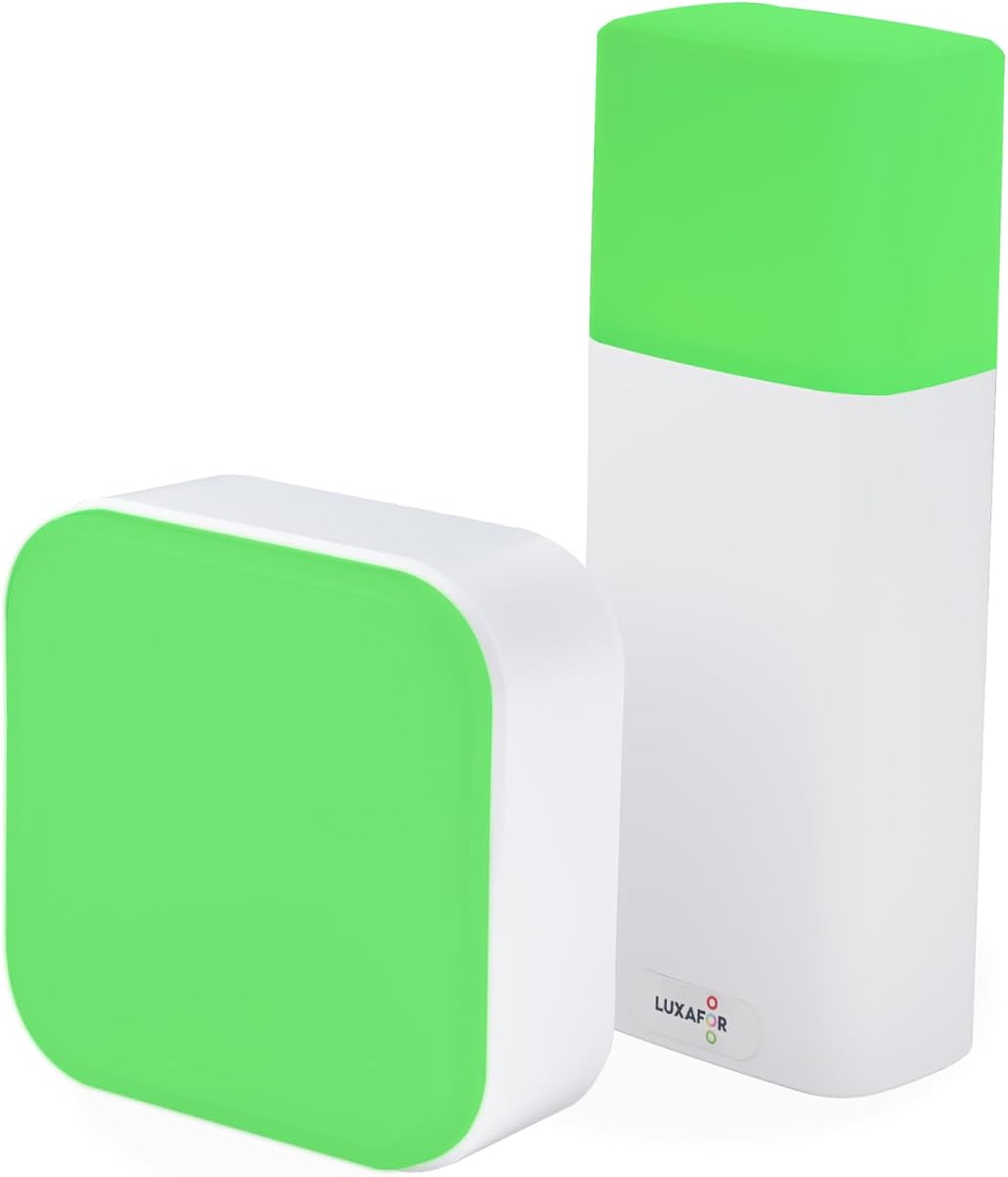
This model offers exceptional value for small teams on a budget. It uses a simple clip to attach to monitors. The rating reflects user satisfaction with its simplicity.
We may earn a commission when you buy through this link, at no additional cost to you.
The long cable allows flexible placement anywhere on your desk. You manually toggle colors to show your status. It reduces distractions effectively without complex setup.
Manual control is a trade-off for the low price. It lacks auto-sync features found in premium units. But for basic needs it performs reliably.
Pick this if you need a quick visual cue. It is perfect for home offices or startups. The clip ensures it stays visible to colleagues.
The 59 inch cable gives you freedom. Place the light where it is most visible.
No software setup is required for use. Tap to switch between busy and available.
We may earn a commission when you buy through this link, at no additional cost to you.
This variant is a reliable workhorse for daily office communication. It functions similarly to other clip models in the line. The rating indicates consistent performance over time.
We may earn a commission when you buy through this link, at no additional cost to you.
Users appreciate the straightforward design that just works. You plug it in and use it immediately. The colors are bright and easy to spot.
It lacks advanced features like software integration. However for manual indication it is sufficient. The build quality supports regular use.
Select this if you want a no-fuss device. It fits well in open office layouts. The light clearly signals when to approach.
No setup wizard is needed here. Just connect the USB cable to start.
The colors are distinct and bright. Colleagues see your status from afar.
We may earn a commission when you buy through this link, at no additional cost to you.
This busylight offers impressive automation for Teams and Zoom users. It updates colors based on your active status. The rating is among the highest in the guide.
We may earn a commission when you buy through this link, at no additional cost to you.
It supports six colors for detailed status tracking. You can tap the top to override manually. This gives flexibility during meetings or focus time.
The software dependency means setup time is needed. Cisco support is limited to Windows machines. These constraints are minor for most users.
Invest in this for hands-free status updates. It saves time managing availability manually. The visual clarity helps teams respect focus.
Six colors cover more scenarios than others. Purple means do not disturb explicitly.
You can always tap to change status. This bypasses software glitches if they occur.
We may earn a commission when you buy through this link, at no additional cost to you.
The Alpha model features a tall slim form factor. It fits on crowded desks without taking much space. The rating matches the Omega in functionality.
We may earn a commission when you buy through this link, at no additional cost to you.
It provides clear visibility for colleagues passing by. The ringer alerts you to messages and calls. Software controls brightness to suit lighting.
The height makes it easier to see over monitors. You need a free USB port though. But the features justify the setup.
Get this for space-constrained desks. It signals status effectively in busy areas. The alerts keep you informed during deep work.
Its slim profile saves valuable desk space. You keep more room for work.
Software lets you control light intensity. Avoid glare in dim offices.
We may earn a commission when you buy through this link, at no additional cost to you.
This model is great for flashing alerts on incoming calls. It integrates with major softphones and Teams. The rating is steady among home office users.
We may earn a commission when you buy through this link, at no additional cost to you.
Adjustable brightness allows you to match room lighting. It helps reduce eye strain during long shifts. The flashing feature catches attention quickly.
Some alert features vary by platform version. This can be confusing for mixed setups. But the core functions work well.
Choose this for visual call notifications. It helps if you miss ringing. The brightness settings fit your environment.
Flashes highlight incoming calls instantly. You won't miss important messages.
It looks good on any desk style. Fits both work and personal spaces.
We may earn a commission when you buy through this link, at no additional cost to you.
This indicator uses touch buttons for easy control. It lets you adjust brightness to suit the room. The rating highlights user satisfaction with usability.
We may earn a commission when you buy through this link, at no additional cost to you.
Red and green colors cover basic busy and available states. It charges via Type-C for modern convenience. You can switch modes manually.
Lack of software means no automatic updates. This is fine for manual workflows. The brightness control is a nice touch.
Use this for simple visual signaling. It works well for remote workers. The touch interface is modern and intuitive.
Touch buttons replace fiddly knobs. Control light easily with one tap.
Type-C allows flexible charging options. Use any standard phone charger.
We may earn a commission when you buy through this link, at no additional cost to you.
This unit is cordless with a magnetic base. It is portable for flexible placement anywhere. The rating is very high for its versatility.
We may earn a commission when you buy through this link, at no additional cost to you.
A remote adds ease of changing status from a distance. It also serves as a lamp for ambient light. The battery lasts a full day.
Charging is needed daily for long use. Water resistance is a plus for spills. The design is practical.
Pick this for flexible placement needs. Use it on monitors or doors. The remote makes control effortless.
No cables mean you move freely. Place it anywhere on the metal.
It acts as a night light too. Provides ambient light when not signaling.
We may earn a commission when you buy through this link, at no additional cost to you.
This kit adds a magnet mount to the Omega. It allows vertical placement without screws. The rating reflects mixed feedback on software.
We may earn a commission when you buy through this link, at no additional cost to you.
It keeps the core features like alerts and sync. The compact size fits anywhere. You get more value with the mount.
Software setup remains a hurdle for some. But the hardware is solid. The ring alert is useful.
Get this if mounting options matter. It suits metal cabinets or walls. The kit saves extra purchase cost.
The magnet kit offers extra versatility. Stick it on metal surfaces easily.
It retains the Omega's core strengths. Ring and sync work as expected.
We may earn a commission when you buy through this link, at no additional cost to you.
Choosing the right busy light for office use depends on your workflow, desk setup, and the software you rely on. This guide explores the key factors to consider.
Consider whether you prefer a wired USB connection or a wireless option. USB models are simpler to plug and play. Wireless units offer more placement freedom.
Check if the device requires software or apps. Some work manually while others need integration. This affects setup time and IT policy compliance.
Verify compatibility with your communication tools like Teams or Zoom. Auto-sync options save you from manually switching colors. This keeps your status accurate.
If you use multiple platforms, ensure the software supports them. Some devices are specific to one system. Universal support offers more flexibility.
Look at how the device attaches to your desk or wall. Clips are great for monitors. Magnets work well on metal frames. Stands fit desktops.
Ensure the mount is stable enough for your environment. A loose light might fall or tip over. Secure placement ensures consistent visibility.
Determine if the unit runs on USB power or battery. Wired models stay on continuously. Battery units need recharging. This impacts your desk cables.
Check battery life if going cordless. A day or more is ideal. Otherwise frequent charging becomes a nuisance. Plan accordingly.
Some lights include ringers for incoming calls. This helps when your headset is off or loud. It prevents missed messages during focus.
Check if alerts are supported on your system. Some platforms restrict these features. Ensure the alert works with your setup.
The brightness and color distinctness matter. Your team must see the status from across the room. Dim lights get missed in bright offices.
Adjustable brightness allows tuning to room light. This avoids eye strain. Brightness settings are useful in shared spaces.
Prices vary from simple LED units to full software kits. Basic ones are affordable for small teams. Advanced ones offer better automation.
Balance cost against features you actually need. If auto-sync helps productivity, invest in it. If manual is fine, save money.
Materials and build quality affect longevity. Plastic units should be sturdy. Avoid fragile designs in shared desks. Look for warranty support.
Check for water resistance if needed. Accidents happen on desks. A durable unit survives daily wear and tear well.
Start by plugging the device into a power source. Connect USB to a computer port. If wireless, pair the remote first. Follow the manual for quick steps.
Place the light where colleagues can see it. A monitor edge or door works best. Avoid blocking the light. Position it for clear visibility.
Keep the surface clean and free of dust. Wipe with a dry cloth occasionally. Avoid water on electronics. Store properly when not using.
Yes many models support Microsoft Teams directly. They sync status automatically to reflect your availability. Check the product data for specific compatibility before buying.
Most are designed for simple plug and play. Wireless ones need pairing. Software ones need a quick install. If follow instructions, setup takes minutes.
Yes they signal to colleagues when you are focused. The visual cue stops unnecessary interruptions. This protects your deep work time effectively.
Manual lights do not need internet. Auto-sync models may need network access to update status. Wired USB ones usually rely on the computer connection.
Yes many models are perfect for home desks. They help family members know when you are working. Setup is easy at home.
Typically green means available and red means busy. Some offer more colors like blue for calls. Check the specific model for color options.
Manual lights have buttons or taps to switch. Auto lights update based on your call status. Some have apps to set specific colors.
Some software models support Mac fully. Others are limited to Windows. Always check system requirements for your OS version.
We have reviewed ten top options for busy lights for office use. From the wireless Switch Pro 2 to the budget-friendly Clip models there is a fit for every team.
Prioritize the connectivity and mounting that suit your space. If you rely on Teams look for auto-sync. For simple needs manual is fine.
Always check current prices and availability before you order. These tools improve communication and focus. Choose one that fits your workflow today.