
EMEET C960 4K Webcam
4.5Editor score
True 4K resolution
PDAF autofocus
Dual omnidirectional mics
Choosing the right camera for green screen streaming is essential for professional results. You need reliable hardware that supports clean keying and handles various lighting conditions without constant tweaking to ensure smooth broadcasts.
We compared ten top-rated webcams and streaming cameras based on sensor size, autofocus technology, and built-in green screen capabilities. Our analysis focuses on performance, software features, and ease of use for different content creators.
Each product review highlights specific strengths, limitations, and ideal use cases to help you make an informed decision. Prices and availability change frequently, so verify current details before purchasing to ensure you get the best value today.
4.5Editor score

4.2Editor score

4.3Editor score
As an Amazon Associate we earn from qualifying purchases.
The following table provides a side-by-side comparison of all ten cameras to help you quickly identify key differences in resolution, sensor size, and special features for green screen workflows.



The Hollyland VenusLiv Air stands out as a top choice for professional streamers needing reliable green screen capabilities. With a 4K sensor and advanced AI tuning, it delivers consistent image quality even in challenging lighting.
We may earn a commission when you buy through this link, at no additional cost to you.
Its standout feature is the self-developed green screen keying algorithm which handles tricky edges like hair strands better than many competitors. The F1.05 lens ensures bright, clear visuals with natural background separation.
While the software requires a learning curve, the hardware reliability is unmatched with dedicated cooling for long streams. Some users may find the price steep compared to standard webcams but the feature set justifies it.
This camera is ideal for creators who prioritize image quality and keying precision. If you stream daily or host professional events, the VenusLiv Air offers the stability and tools needed for high production value.
The built-in green screen tool removes backgrounds cleanly without needing external software like OBS for keying.
Designed for 24/7 use, the internal cooling system prevents overheating during extended streaming sessions.
We may earn a commission when you buy through this link, at no additional cost to you.
The EMEET S600 brings high quality video streaming to a much more accessible price point. It uses a Sony sensor to capture crisp 4K images that look professional on camera during virtual presentations.
We may earn a commission when you buy through this link, at no additional cost to you.
Its PDAF autofocus ensures your face stays sharp even if you move around during a stream. The noise canceling microphone helps keep audio clear which is crucial when you rely on virtual backgrounds.
While it does not include dedicated green screen software, it works well with third-party tools. The image quality is strong enough to support clean keying with an external setup.
Consider this webcam if you want great image quality without breaking the bank. It is perfect for casual streamers or those new to green screen setups who need reliable hardware.
The PDAF technology locks on quickly to prevent blur when you move or gesture during your content.
Proprietary noise filtering ensures your voice remains clear even in busy or noisy environments.
We may earn a commission when you buy through this link, at no additional cost to you.
The Hollyland Lyra targets creators who need smart features beyond standard video capture. Its large sensor and AI framing keep you centered and looking sharp without manual adjustments constantly.
We may earn a commission when you buy through this link, at no additional cost to you.
The HollyStudio app includes a green screen tool that separates subjects cleanly from backgrounds. This makes it easier to switch between real and virtual sets quickly during your live broadcasts.
You can pair it with wireless microphones for freedom to move while streaming. The privacy shutter and dual mounting modes add practical convenience for daily use across different devices.
If you want a webcam that actively helps you look better, the Lyra is a strong choice. It balances premium features with reliable performance for serious content creators.
Smart tracking automatically centers you in the frame so you never go off camera during movement.
Direct wireless mic pairing reduces cable clutter and ensures high quality sound capture.
We may earn a commission when you buy through this link, at no additional cost to you.
The EMEET C960 offers a true 4K experience at a price point that fits most budgets. It is designed for ease of use with plug and play compatibility across major operating systems.
We may earn a commission when you buy through this link, at no additional cost to you.
While it lacks built-in green screen software, the image quality is sufficient for external keying tools. The dual microphones help ensure your voice comes through clearly without static or echo.
It includes a physical privacy shutter which adds a layer of security. The flexible mounting options let you adjust the angle to fit any monitor or desk setup easily.
For budget conscious buyers, this webcam delivers impressive value. It provides the clarity needed for professional results without requiring expensive add-ons or complex settings.
No drivers or extra software installation is required to start streaming immediately after connection.
Built-in microphones capture natural sound reducing the need for separate audio gear.
We may earn a commission when you buy through this link, at no additional cost to you.
The EMEET C60E introduces a dual camera setup that lets you switch between wide angle and telephoto views. This is useful for presenting products or showing your workspace during streams.
We may earn a commission when you buy through this link, at no additional cost to you.
Its hybrid zoom allows smooth transitions without moving the camera. The RGB lighting adds a visual flair that can enhance your background even when using a green screen.
Remote control makes it easy to adjust settings during a stream. However, you will need external software for green screen effects as this unit focuses on image capture.
This camera is perfect for tech reviewers or teachers who need to show details. The dual system offers flexibility that single lens webcams cannot match for specific tasks.
Switch between full scene and close up views to highlight specific items or your face.
RGB lighting adds style to your desk setup and helps indicate active recording status.
We may earn a commission when you buy through this link, at no additional cost to you.
The EMEET PIXY combines PTZ capabilities with AI tracking for dynamic live production. It uses a three chip system to keep you centered as you move or interact with content.
We may earn a commission when you buy through this link, at no additional cost to you.
Included tripod and wide rotation range make it versatile for fitness or workshop streams. The microphone array filters noise effectively allowing you to focus on visuals and interaction.
While setup is more involved than standard webcams, the result is professional quality footage. You may still need external software for green screens but the tracking is top tier.
This camera suits users who move around a lot or host multi angle sessions. It brings studio level movement and stability to your personal streaming or teaching setup.
Predictive AI ensures smooth and consistent framing even during fast movement.
Flexible stand allows you to place the camera anywhere for optimal angles.
We may earn a commission when you buy through this link, at no additional cost to you.
The Hollyland VenusLiv Air Bundle provides everything needed for independent live broadcasting. It supports RTMP streaming directly so you can go to platforms without a computer.
We may earn a commission when you buy through this link, at no additional cost to you.
The bundle includes cables cleaning kits and memory cards making it ready for use out of the box. Built-in chroma key lets you create virtual backgrounds directly on the device.
This setup is robust but may require time to master the settings. It is ideal for creators who want a self contained solution for events or daily streams.
Consider this if you need standalone streaming capabilities. The inclusion of accessories adds value and simplifies the initial setup process significantly.
Connect to internet and stream without needing a separate PC or capture card.
Included items ensure you have all necessary tools for professional broadcasting.
We may earn a commission when you buy through this link, at no additional cost to you.
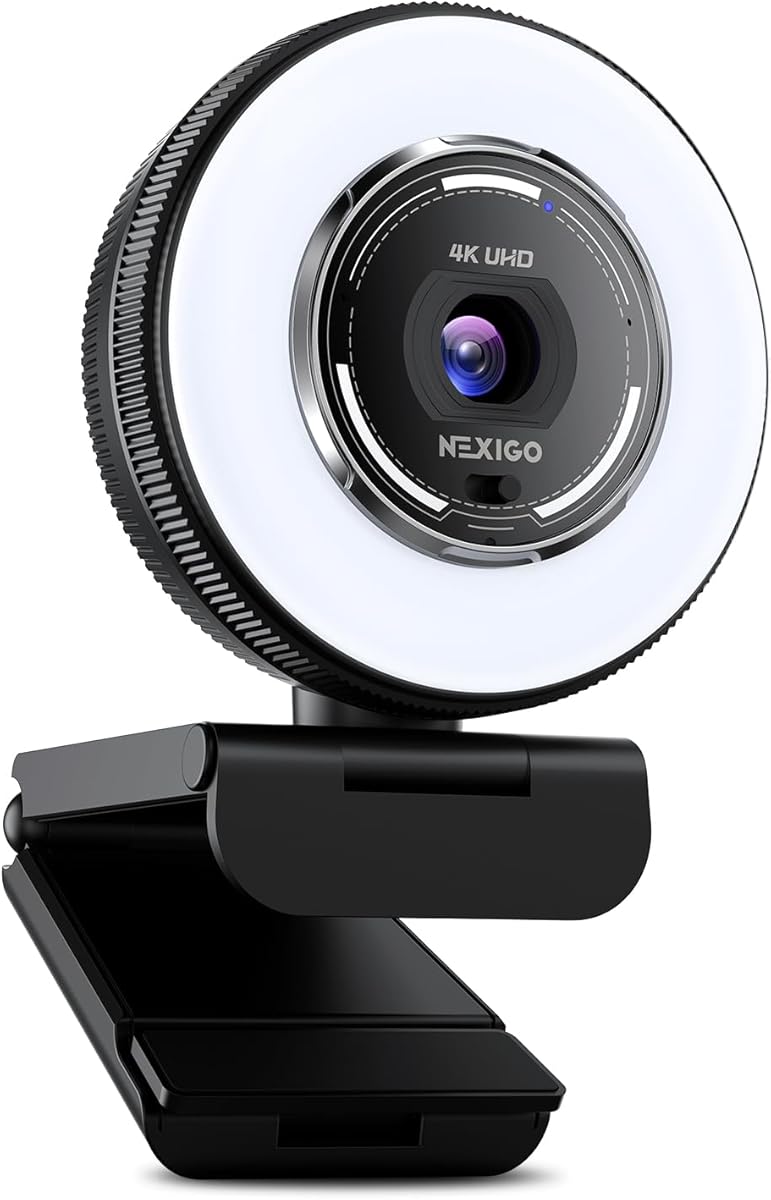
The NexiGo N680E Pro simplifies lighting with a built-in ring light that adjusts to your needs. This helps maintain consistent skin tones which is critical for clean green screen keying.
We may earn a commission when you buy through this link, at no additional cost to you.
Its 4K sensor ensures sharp visuals even when using virtual backgrounds. The noise canceling microphones work well for calls and broadcasts in noisy environments.
The privacy shutter and plug and play setup add convenience. While it does not have internal green screen software the hardware quality supports external tools effectively.
Ideal for creators needing good lighting without extra gear. The adjustable light rings make it easy to get the right look for your streaming setup.
Adjust brightness and color temperature to match your room lighting conditions.
Physical shutter prevents unauthorized access to your camera lens at all times.
We may earn a commission when you buy through this link, at no additional cost to you.
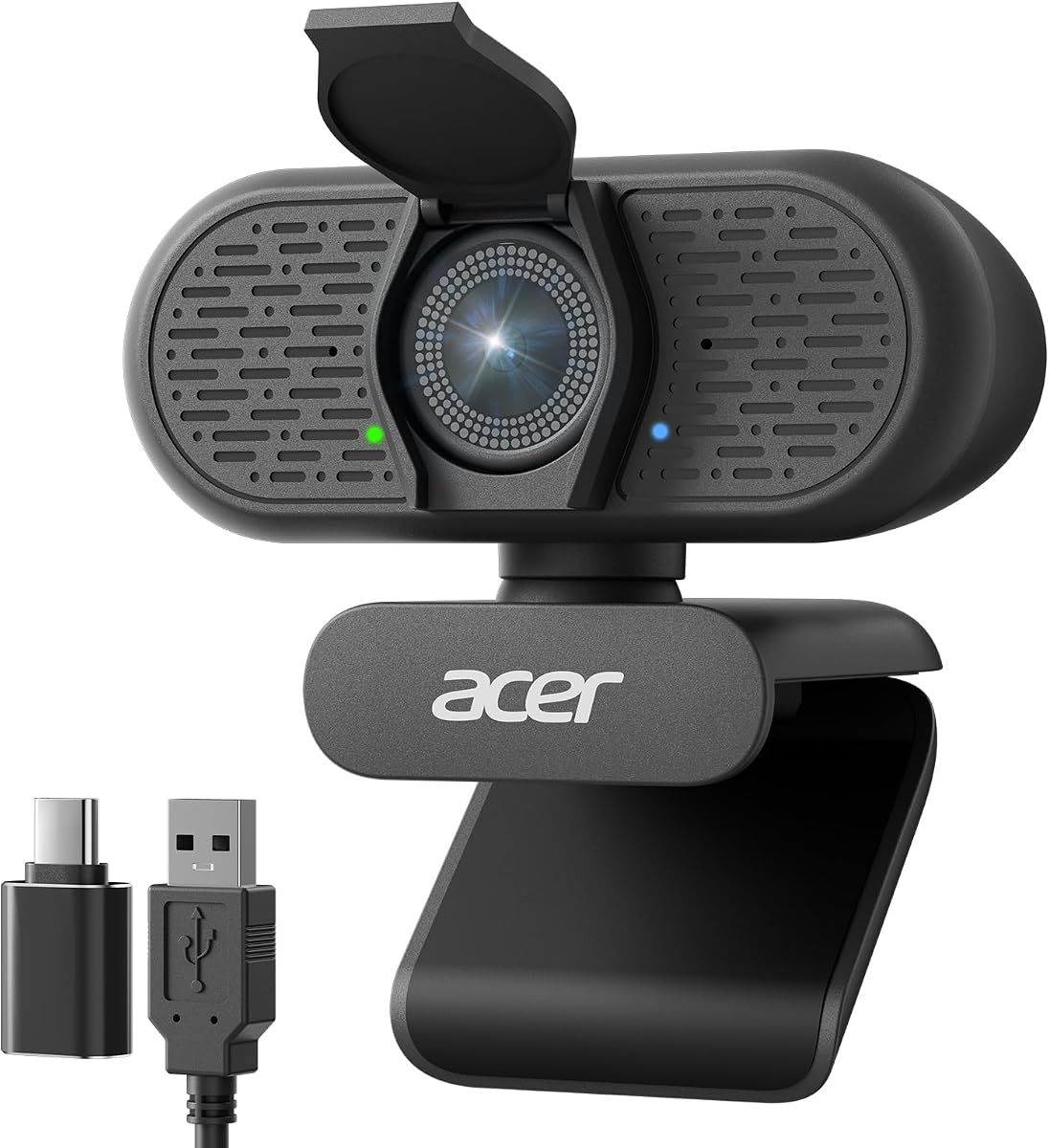
The Acer A640 offers solid performance with a genuine Sony sensor. It focuses on providing clear audio and video for professional meetings and casual streaming.
We may earn a commission when you buy through this link, at no additional cost to you.
AI noise cancellation works effectively to filter background hums or clicks. The low light correction helps maintain visibility in dimmer rooms where keying might be tricky.
It lacks dedicated green screen features but works well with external software. The simple plug and play interface ensures it works immediately without driver hassles.
Choose this for straightforward streaming needs. It is a reliable choice for those who need consistent quality and simple operation.
AI technology filters out distractions so your voice remains the focus.
Sony sensor delivers accurate colors and sharp details for professional appearance.
We may earn a commission when you buy through this link, at no additional cost to you.
The OBSBOT Meet 2 is known for its intuitive gesture controls and compact build. You can control framing with hand gestures which is convenient for quick adjustments.
We may earn a commission when you buy through this link, at no additional cost to you.
Its AI framing keeps you centered during movement. The noise canceling mics ensure clear audio which complements visual clarity in your streams.
While it does not have internal green screen software it pairs well with external tools. The portability makes it great for creators who travel or switch locations.
Consider this if you value ease of use and portability. It is a solid webcam for modern creators who want smart features in a small package.
Use simple hand gestures to open close framing or zoom without touching the computer.
Lightweight design allows easy transport to different locations for remote streaming.
We may earn a commission when you buy through this link, at no additional cost to you.
Selecting the right camera requires understanding specific features that impact keying quality and overall stream performance.
Larger sensors capture more light and produce better dynamic range which helps separate you from the background. Look for at least 1/2.8 inch sensors if you have limited lighting control.
Prioritize cameras with larger sensors to ensure consistent color and clarity during live broadcasts.
Some cameras come with built-in chroma key tools that remove backgrounds directly without needing PC software. Check if the device supports keying if you want a simplified workflow.
Built-in tools save CPU resources and simplify setup especially if you stream without a powerful computer.
4K resolution provides crisp detail but often runs at 30fps. Ensure the camera supports your preferred frame rate so motion looks smooth during fast movement or gaming.
Balance resolution and frame rate based on your content type to avoid lag or blurry feeds.
PDAF autofocus locks focus quickly to keep you sharp even when you move around. This prevents blurry moments that can ruin a keying effect or distract viewers.
Choose cameras with advanced autofocus to maintain professional image quality during active streams.
Clear audio is as important as video for a professional stream. Look for dual microphones or noise canceling features to reduce background distractions.
Integrated audio tools reduce the need for extra microphones and ensure clear communication.
USB-C or HDMI outputs provide flexibility for various setups. Ensure the camera matches your computers ports to avoid needing extra adapters.
Check connection types to ensure seamless integration with your existing streaming hardware.
A physical shutter adds security by covering the lens when not in use. This protects your privacy and prevents accidental activation during work hours.
Hardware privacy switches offer peace of mind against unwanted access to your camera.
Ensure the camera software supports your operating system and streaming tools. Proprietary apps often unlock key features like skin beauty or virtual sets.
Verify OS support before purchasing to avoid software conflicts during setup.
Always position your green screen evenly lit to avoid shadows which can confuse the software. Use soft light sources to ensure smooth color separation and a clean virtual background.
Keep the camera lens clean with a microfiber cloth to maintain image clarity. Dust and smudges can reduce sharpness and affect the quality of your streaming output.
Update your camera drivers regularly to access new features and performance improvements. Checking for updates ensures compatibility with streaming software and operating system changes.
1080p at 60fps offers smooth motion which is vital for moving backgrounds. 4K provides detail but ensure your computer can handle the processing load without dropping frames.
Not necessarily if your camera has built-in keying software. Otherwise you will need to run OBS or similar software on a computer with sufficient processing power.
Fast and accurate autofocus keeps you sharp so the keying algorithm can track your outline correctly. Blur or focus hunting can cause artifacts in the virtual background.
Most software prefers a standard green chroma key color. Ensure the fabric is matte to reduce glare and use even lighting for the best separation results.
Common issues include uneven lighting poor contrast between you and the background or outdated software. Check your keying settings to ensure the correct color range is selected.
While not required it helps protect privacy when not streaming. It prevents accidental recording and gives peace of mind in shared workspaces.
We reviewed ten top cameras ranging from budget webcams to advanced streaming rigs. The Hollyland VenusLiv Air stands out for its dedicated keying tools and robust build.
Prioritize features like lighting support and sensor size to get the best visual results. A good camera simplifies the process of creating professional virtual environments.
Always check current prices and software updates before buying to ensure you get the best value. These options provide solid foundations for elevating your streaming content quality.